
The Top 12 Asynchronous Communication Tools for Remote Teams in 2025

The rise of remote work has fundamentally changed how we collaborate. The initial rush to replicate the office online led to a culture of constant notifications, back-to-back video calls, and the draining expectation of being 'always on.' Top-performing distributed teams, however, have discovered a better way by mastering asynchronous communication. This isn't just about sending emails instead of instant messages; it's a strategic shift toward thoughtful, documented, and time-zone-inclusive collaboration.
By prioritizing deep work over instant responses, teams can reduce burnout, improve decision-making, and create a more equitable work environment. The right technology is crucial for making this transition successful. Finding the best asynchronous communication tools can feel overwhelming, but this guide is designed to simplify that process. We will help you identify the ideal platforms to foster focused work and clear, long-term communication for your specific needs.
This comprehensive listicle dives deep into the 12 essential platforms that enable this powerful shift. We'll go beyond marketing hype to analyze practical use cases, reveal honest limitations, and provide actionable tips for integrating these tools into your daily workflows. For a concise overview of how these tools can boost productivity, consider this quick guide to asynchronous communication tools.
Inside, you'll find a detailed breakdown of each tool, complete with screenshots and direct links. We will explore platforms for team chat, threaded discussions, video messaging, and documentation hubs. Whether you're a freelancer, part of a growing startup, or managing a global enterprise, this resource will equip you with the knowledge to choose and implement the tools needed to build a more productive and sustainable remote culture.
1. Slack: The Ubiquitous Hub for Channel-Based Async
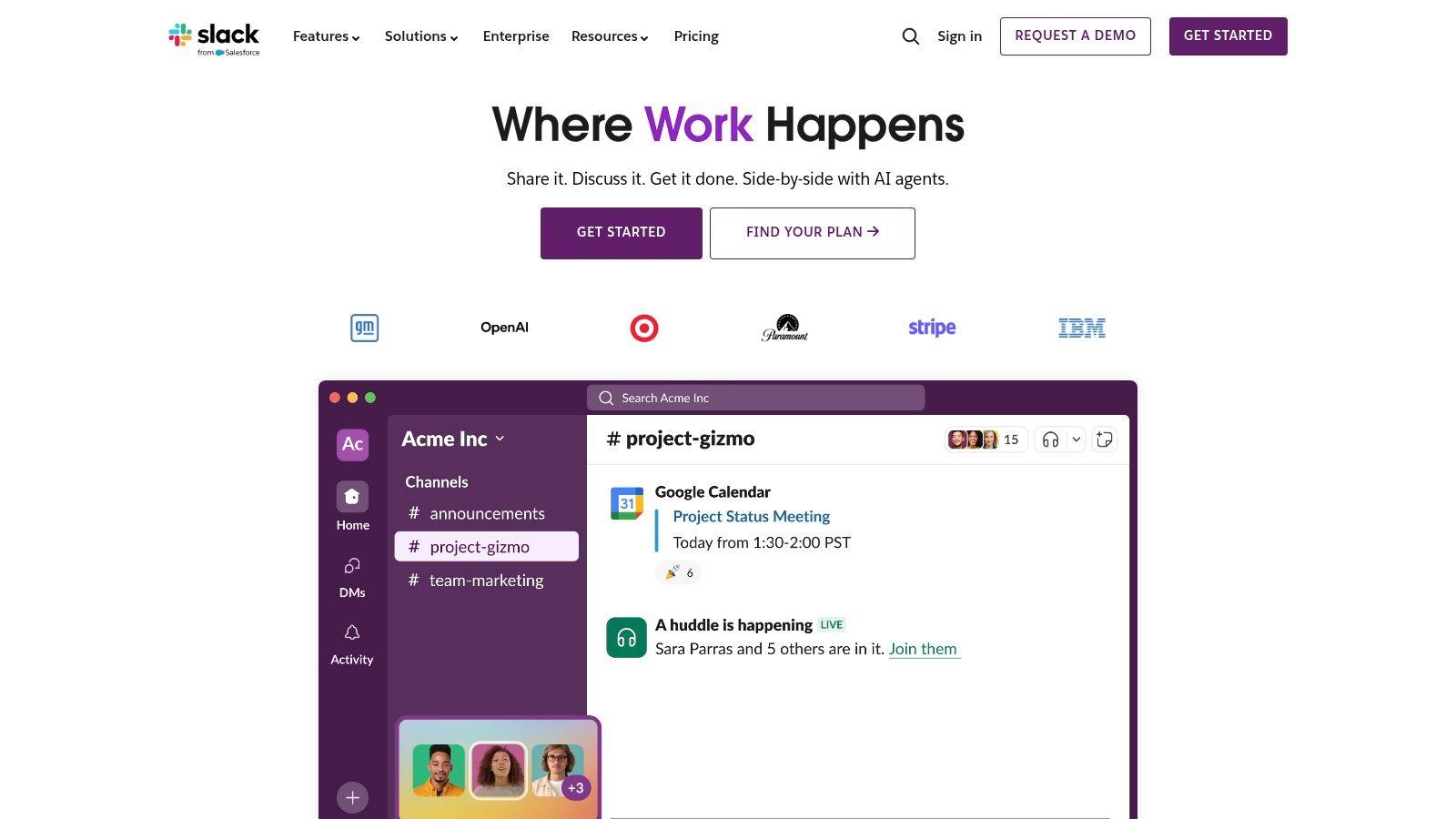
While often perceived as a real-time chat tool, Slack’s true potential for remote teams is unlocked through its powerful asynchronous capabilities. The platform excels when teams enforce disciplined channel organization and embrace threaded conversations, transforming it from a constant stream of chatter into a searchable archive of decisions and discussions. This approach is one of the reasons it's a staple in lists of asynchronous communication tools.
For example, a marketing team can use a #campaign-launch-q3 channel to discuss all related tasks. Specific threads for 'ad creative feedback' or 'budget approval' keep conversations focused, allowing stakeholders to catch up on their own time without needing a meeting. This prevents critical knowledge from getting siloed in direct messages and promotes organizational transparency.
Key Features & Use Cases
- Channels and Threads: Create public or private channels for every project, team, or topic. Use threads to contain follow-up questions and updates, keeping the main channel clean and easy to scan.
- Powerful Integrations: With over 2,600 apps like Google Drive, Jira, and GitHub, you can centralize notifications and actions, reducing the need to switch between different tools.
- Slack AI: Paid plans offer features that can summarize long threads, recap unread messages in channels, and provide intelligent search results, saving significant time.
- Scheduled Send: Compose messages and schedule them to be sent at the beginning of a colleague's workday, respecting different time zones and work hours.
Pricing and Onboarding
Slack offers a free plan with limited message history (90 days). Paid plans like Pro, Business+, and Enterprise Grid offer unlimited history, more integrations, and enhanced security features, with costs scaling on a per-user basis. Effective onboarding involves creating clear channel naming conventions and a guide on "thread-first" communication to prevent noise.
Pros: Mature ecosystem with robust security, Slack Connect for easy collaboration with external partners. Cons: Can become a source of distraction without strong team norms, per-user cost can be high for large teams.
Website: https://slack.com
2. Microsoft Teams: The Integrated Microsoft 365 Communicator
For organizations deeply embedded in the Microsoft ecosystem, Teams offers a powerful, integrated solution for asynchronous communication. It extends beyond simple chat by leveraging its deep connections with SharePoint, OneDrive, and Outlook, making it a central hub for not just conversations but also document collaboration and project management. This tight integration is a key reason it’s featured among top asynchronous communication tools.
A project team, for instance, can create a specific channel for a new initiative. Within that channel, they can use posts for major updates, co-author a Word document stored in the channel's SharePoint site in real-time, and assign tasks using the Planner integration. All conversations and file versions are automatically archived and searchable, providing a single source of truth that stakeholders can review at their convenience without constant meetings.
Key Features & Use Cases
- Channel Posts: Unlike simple chat messages, posts in channels support subjects, rich formatting, and announcements, making them ideal for structured, asynchronous updates that don't get lost.
- Deep M365 Integration: Seamlessly work with Outlook, SharePoint, Planner, and Loop components directly within Teams, consolidating workflows and reducing context switching.
- External Access & Guest Sharing: Controlled collaboration with external clients and partners is built-in, with granular permissions managed through Azure AD. Learning how to manage remote teams effectively on remoteweek.io can maximize these features.
- Teams Premium: An optional add-on that provides AI-powered intelligent meeting recaps, task generation from meetings, and other advanced features to streamline post-meeting async work.
Pricing and Onboarding
Teams is included with most Microsoft 365 Business and Enterprise plans. There is also a free version with limitations on storage and features. Pricing is bundled, so the value increases if your organization utilizes the full suite (Office apps, email, storage). Successful onboarding requires training users to use channel posts for important discussions instead of defaulting to one-on-one chats.
Pros: One license often covers email, storage, Office apps, and Teams, providing excellent value. Strong compliance and identity management features. Cons: The best experience assumes broader Microsoft 365 adoption. Licensing tiers and options can be complex to navigate.
Website: https://www.microsoft.com/microsoft-teams
3. Google Workspace (Gmail, Chat, Spaces, Drive)
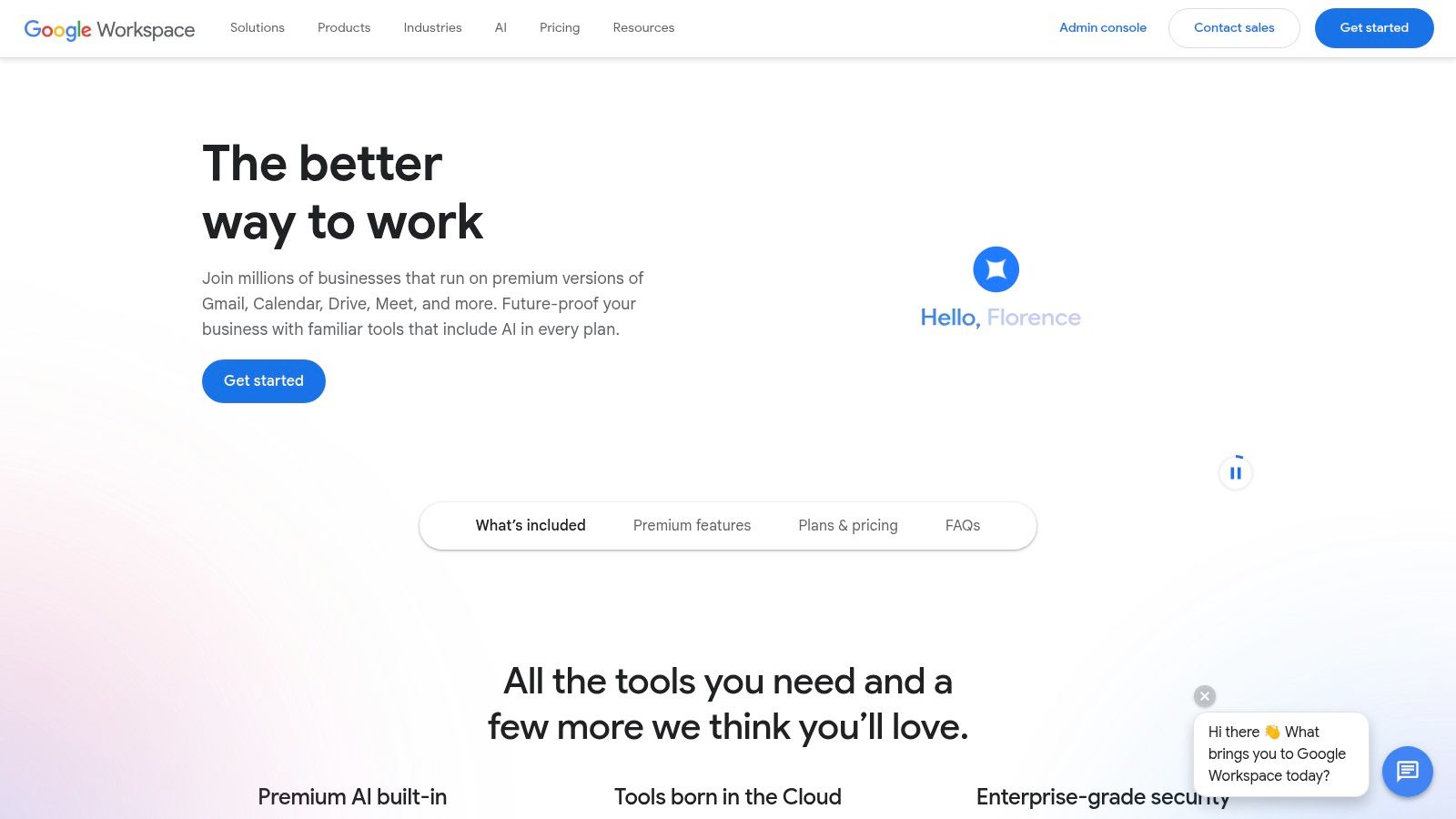
For teams deeply embedded in an email-first culture, Google Workspace provides a familiar yet powerful suite of asynchronous communication tools. While Gmail is the cornerstone, the platform's async strength comes from the tight integration between Chat, Spaces, Drive, and Docs. This ecosystem allows conversations to evolve seamlessly from an email thread into a collaborative document or a dedicated project Space, keeping all context unified and searchable.
This integrated approach is ideal for organizations looking to leverage existing workflows rather than adopt an entirely new platform. For instance, a project update email can be forwarded directly into a Google Space, where threaded conversations can take place without cluttering inboxes. The ability to manage permissions and share files via Drive in the same interface streamlines collaboration and reduces context switching, a key component for mastering the skills for remote work.
Key Features & Use Cases
- Spaces and Chat: Create topic-based rooms (Spaces) for projects or teams with threaded replies, keeping discussions organized and out of email. Chat is used for more direct, quick-turnaround conversations.
- Gmail Labels and Filters: Robust filtering and labeling systems turn Gmail into a powerful information archive, allowing users to organize communication and create personal knowledge bases.
- Integrated Docs and Drive: Collaborate on documents, spreadsheets, and presentations in real-time or asynchronously with comments and suggestions, with all files stored and versioned in a shared Drive.
- AI-Powered Summaries: Google's AI can summarize long email threads and document contents, helping team members catch up quickly without reading through every single update.
Pricing and Onboarding
Google Workspace offers several tiers, starting with Business Starter plans and scaling up to Business Standard, Plus, and Enterprise editions. Plans are priced per user, per month, with higher tiers offering more storage, advanced security, and eDiscovery features via Vault. Onboarding is often smooth due to widespread familiarity with Gmail, but teams benefit from clear guidelines on when to use email versus a dedicated Space.
Pros: Familiar email-first model eases adoption, excellent search across mail, files, and conversations. Cons: Best value when standardizing on Google tooling, advanced admin controls and Vault eDiscovery are on higher tiers.
Website: https://workspace.google.com
4. Twist (by Doist): The Distraction-Free Async-First Alternative
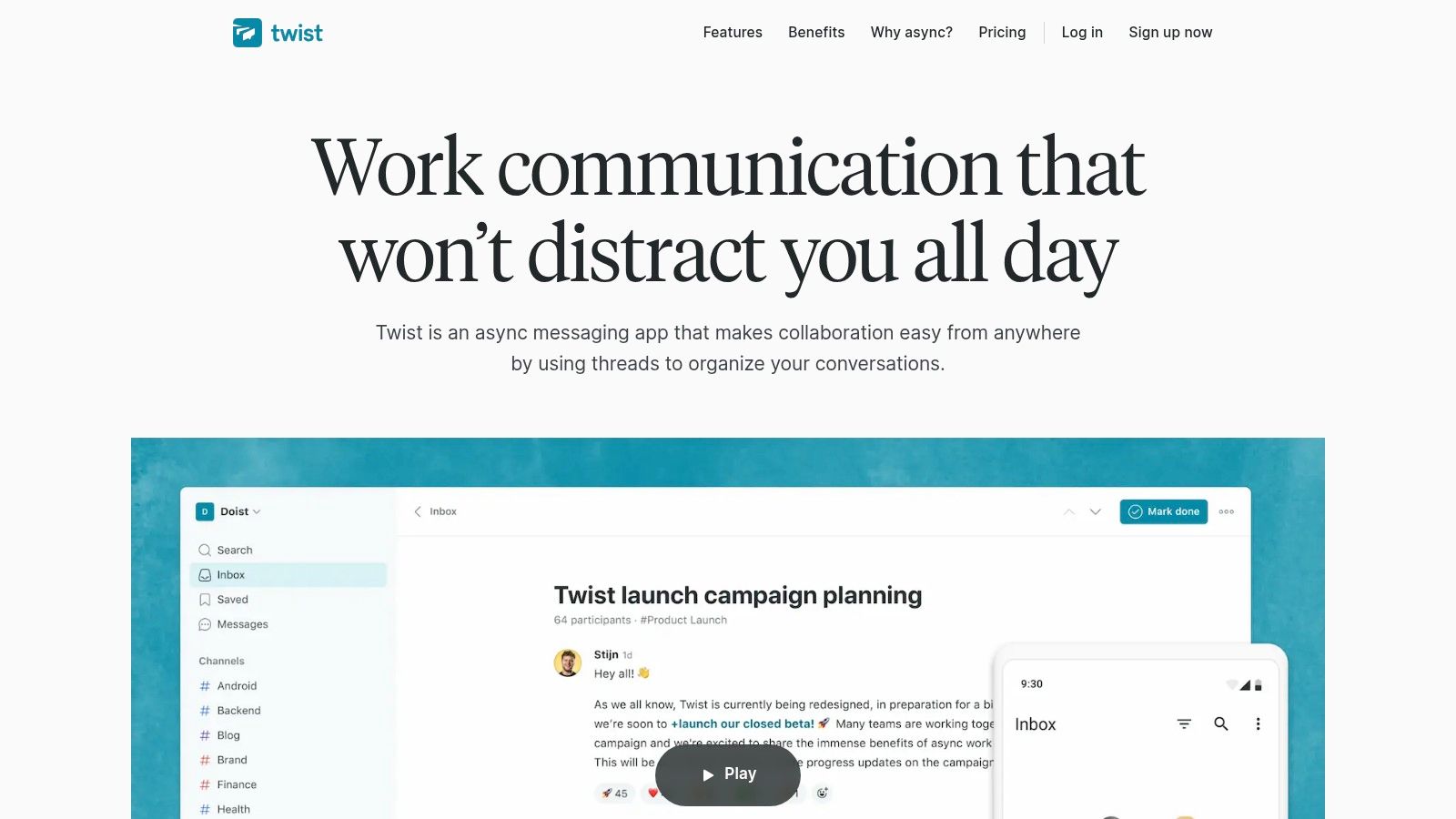
Twist, from the makers of Todoist, is built from the ground up as an async-first communication tool. It rejects the real-time, "always-on" chat model, instead enforcing a structure centered entirely on threaded conversations. This opinionated design makes it one of the most focused asynchronous communication tools for teams seeking calm, organized, and deep work.
Every conversation starts as a thread with a clear subject line inside a specific channel, eliminating the chaotic, unsearchable streams common in other chat apps. For example, a development team’s #backend-api channel might have threads like "Schema update for user authentication" or "Investigate latency in Q3 report generation," making it easy for anyone to find context and contribute thoughtfully without needing to be online simultaneously.
Key Features & Use Cases
- Thread-First by Default: All conversations are organized into threads, keeping discussions on-topic and creating a searchable knowledge base.
- Channels: Similar to Slack, you can organize work by team, project, or topic, but with a stricter emphasis on threaded communication within them.
- Inbox & Starred: A dedicated inbox shows you only the threads you’re part of or mentioned in, helping you focus on what's relevant. Star threads to save them for later reference.
- Guest Access: Paid plans allow you to add external collaborators to specific channels, streamlining work with clients or contractors without giving them full access.
Pricing and Onboarding
Twist offers a free plan with a 1-month message history limit. The paid Business plan provides unlimited history, more integrations, and enhanced guest access for a simple, flat per-user fee. Onboarding should focus on training the team to create descriptive thread titles and using the inbox as their primary workflow instead of monitoring every channel.
Pros: Minimal distractions and a strong, opinionated async-first design; simple, transparent pricing. Cons: Smaller integration ecosystem than competitors; intentionally lacks synchronous features like presence indicators, which may be a difficult transition for some teams.
Website: https://twist.com
5. Basecamp: The All-in-One Project Hub for Clarity
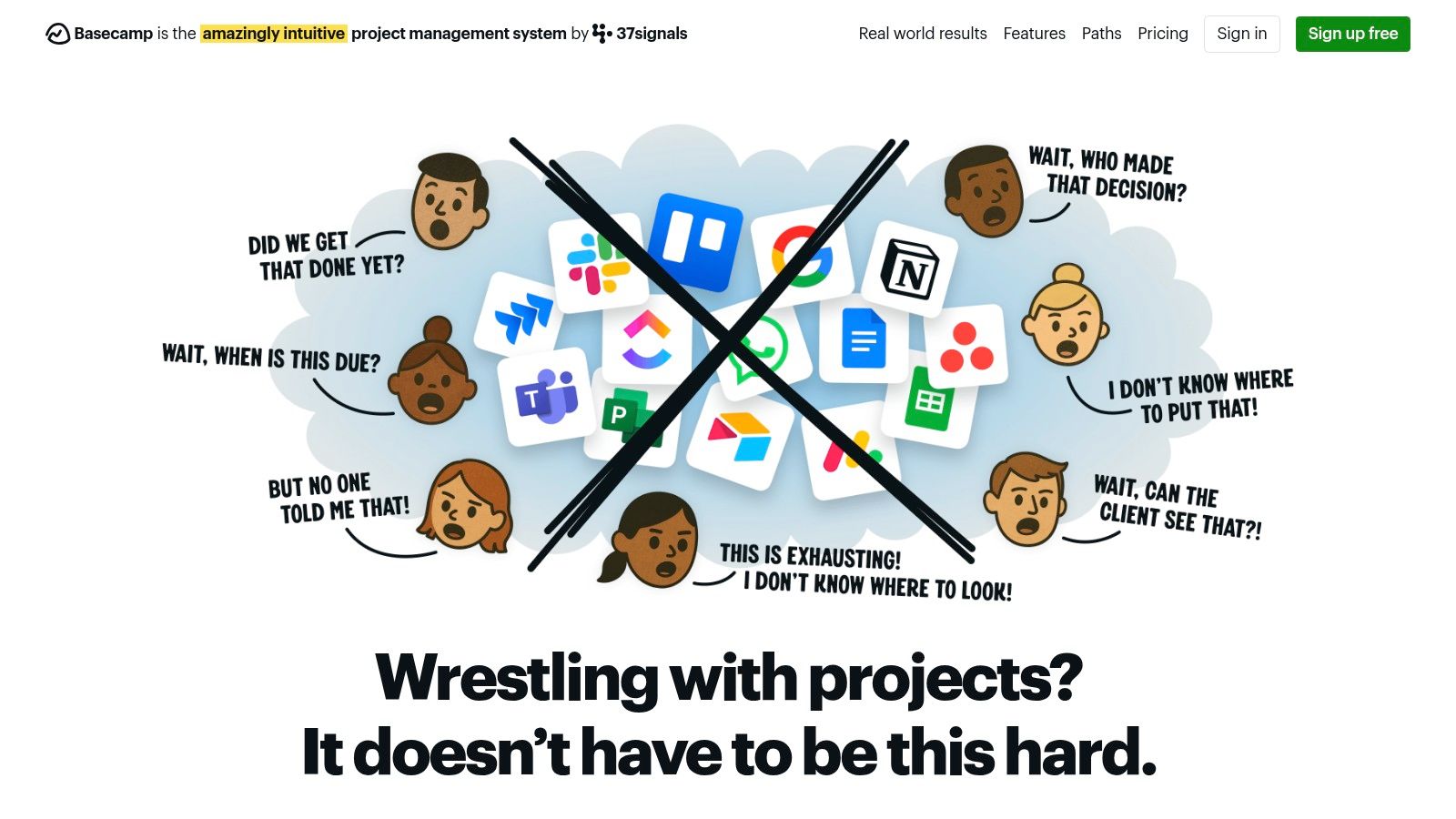
Basecamp is designed from the ground up to be a calmer, more organized alternative to the chaos of scattered emails, chat messages, and documents. It centralizes every project into a single workspace, bundling all the tools needed for effective asynchronous communication. This project-centric approach helps teams replace status meetings with clear, written updates, making it a powerful choice among asynchronous communication tools.
For instance, a client project can have its own Basecamp space containing a Message Board for major announcements, To-do lists for tracking tasks, a Schedule for key deadlines, and a Docs & Files area for all relevant assets. This ensures clients and team members always know where to find information and see progress without needing a synchronous call, keeping everyone aligned and focused.
Key Features & Use Cases
- Message Board: Ideal for announcements, kick-off posts, and long-form discussions that need to remain visible and easy to reference, unlike fast-moving chat channels.
- To-dos: Assign tasks with deadlines and attach all necessary files and comments directly to the task, keeping conversations contextually relevant.
- Automatic Check-ins: Schedule recurring questions (e.g., "What did you work on today?") to prompt regular, written updates from the team, eliminating the need for daily stand-ups.
- The Hill Chart: A unique tool for visualizing progress on a conceptual level, helping stakeholders understand where projects truly stand beyond a simple checklist.
Pricing and Onboarding
Basecamp offers a simple pricing model: a free tier for smaller projects and a flat-rate Business plan for a fixed monthly or yearly fee that includes unlimited users and projects. This makes it highly cost-effective for growing organizations. Onboarding is straightforward due to its opinionated workflow; success relies on committing the entire team to using Basecamp as the central source of truth for project communication.
Pros: Simple, all-in-one platform with predictable flat-rate pricing, excellent for including clients and contractors at no extra cost. Cons: Fewer third-party integrations than competitors, less customizable for teams with highly specific workflow needs.
Website: https://basecamp.com
6. Notion: The All-in-One Documentation and Project Hub
Notion serves as a unified workspace that combines docs, wikis, and project management, making it one of the most versatile asynchronous communication tools. Instead of relying on chat, teams communicate through comments on pages, tracked changes in project databases, and shared knowledge bases, creating a single source of truth that evolves over time. This approach keeps conversations contextual and permanently linked to the relevant work.
For instance, a product team can manage an entire feature launch within a single Notion page. This page can contain the project brief, design mockups, a task database, and user feedback. Stakeholders can leave comments directly on specific content blocks or update the status of their tasks in the database, allowing everyone to see progress and provide input without a single synchronous meeting.
Key Features & Use Cases
- Teamspaces and Linked Databases: Organize information by department or project in dedicated Teamspaces. Use linked databases to create custom project dashboards that pull in tasks and status updates from multiple sources.
- Comments, Mentions, and Page History: Collaborate directly on documents by mentioning colleagues to ask questions or request feedback. Page history allows you to see all changes over time, providing a clear audit trail.
- Notion AI: Higher-tier plans include AI features that can summarize meeting notes, generate action items from long documents, and provide intelligent search results across the entire workspace.
- Forms and Site Publishing: Create simple forms to collect feedback or requests asynchronously. Publish pages as public websites to share updates with external stakeholders easily.
Pricing and Onboarding
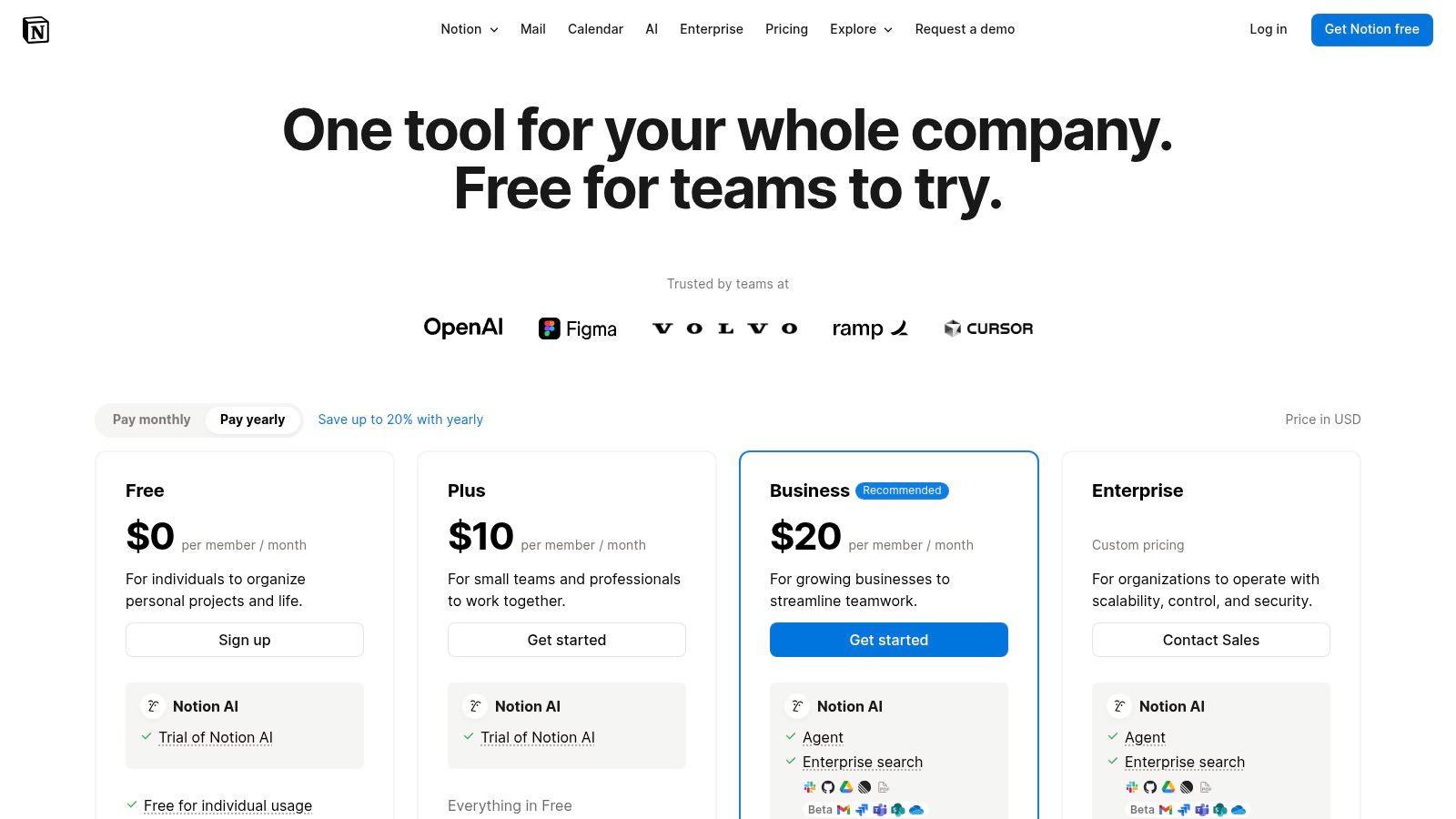
Notion provides a generous free plan for individuals. Paid team plans include Plus, Business, and Enterprise, which add features like advanced permissions, SAML SSO, and unlimited page history. Successful onboarding requires establishing clear templates and a governance framework to prevent the workspace from becoming disorganized. To further streamline your workflow and integrate communication, consider tools that allow you to create and send emails directly from Notion.
Pros: Extremely flexible structure suits wiki- and doc-driven teams, consolidates documentation, tasks, and knowledge into one hub. Cons: Requires structure and governance to avoid content sprawl, some advanced admin/security features require Business/Enterprise plans.
Website: https://www.notion.so/pricing
7. Atlassian Confluence: The Enterprise Wiki for Deep Knowledge
Confluence serves as a single source of truth, transforming scattered information into an organized, collaborative knowledge base. It shines in asynchronous environments by creating a permanent, searchable home for project plans, meeting notes, technical documentation, and company policies. This structure is essential for scaling knowledge and reducing repetitive questions.
For instance, an engineering team can document a new feature's architecture in a dedicated Confluence "Space." Other teams like support and marketing can then asynchronously access this page, leave inline comments for clarification, and @mention stakeholders with questions. This creates a living document that evolves with the project, accessible to anyone at any time, making it one of the most powerful documentation-focused asynchronous communication tools.
Key Features & Use Cases
- Spaces and Pages: Organize work into dedicated spaces for teams or projects. Use a flexible page hierarchy with inline comments and mentions to keep discussions contextual and tied directly to the content.
- Deep Jira Integration: Natively link Confluence pages to Jira issues, creating seamless workflows where documentation provides context for development tasks and vice-versa.
- Powerful Templates: Accelerate documentation with pre-built templates for project plans, meeting notes, retrospectives, and more, ensuring consistency across the organization.
- Enterprise-Grade Controls: Manage granular permissions, benefit from SSO/SCIM, and leverage advanced admin controls to secure information as your company grows.
Pricing and Onboarding
Confluence offers a free plan for up to 10 users. Paid plans (Standard, Premium, Enterprise) scale with user count and add features like advanced permissions, analytics, and unlimited storage. Effective onboarding requires establishing clear guidelines for page organization and encouraging a culture of "document first" to prevent knowledge silos.
Pros: Unmatched integration with the Atlassian suite (especially Jira), mature marketplace for apps, and strong enterprise governance. Cons: Can become disorganized without active information hygiene, user interface can feel dense for new users.
Website: https://www.atlassian.com/software/confluence
8. Discourse: The Modern Forum for Deep, Organized Async
Discourse reimagines forum software for the modern era, creating a space for deep, long-form discussions that chat tools simply can't support. It excels at building a persistent knowledge base where thoughtful conversations are categorized, tagged, and easily searchable. This structure makes it one of the premier asynchronous communication tools for both internal team collaboration and external community building.
For instance, an engineering team could use a Discourse instance as an internal Q&A hub, with categories for different services like api-v3, frontend-performance, and database-schema. When a developer has a complex question, they can create a detailed topic, including code snippets and logs. This allows colleagues from any time zone to provide thoughtful, well-documented answers that remain accessible for future reference, preventing repeat questions.
Key Features & Use Cases
- Organized Topics: Conversations are structured as topics within categories, not a chronological chat stream. This makes it easy to follow complex discussions over days or weeks.
- Trust Levels and Moderation: A built-in system automatically grants users more capabilities as they participate constructively, helping to self-moderate the community and reduce spam.
- Flexible Hosting Options: Choose between managed hosting plans for ease of use or self-host the open-source software for complete control and customization.
- Rich Integrations: Connect with tools like Slack, GitHub, and Zapier to create a seamless workflow, bringing important discussions into the forum or pushing notifications out.
Pricing and Onboarding
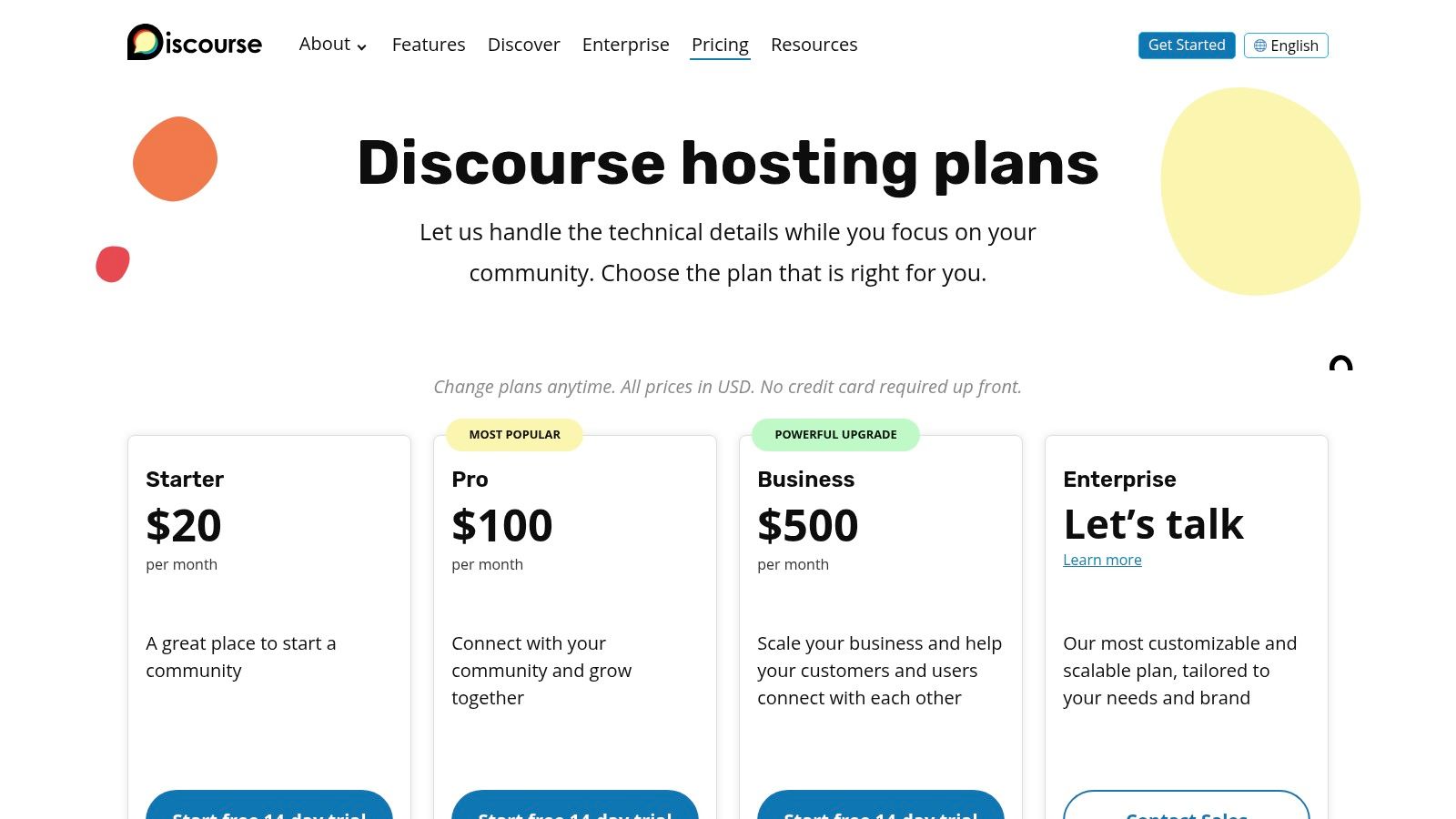
Discourse is free and open-source for self-hosting on your own infrastructure. For managed solutions, hosted plans include Basic, Standard, and Business tiers, which scale based on staff users, storage, and page views. Effective onboarding involves establishing clear category guidelines and encouraging team members to use it as the default for questions that benefit from long-form, permanent answers.
Pros: Excellent for creating a searchable, persistent knowledge base; high flexibility with open-source and self-hosting options. Cons: Requires active moderation and community management to thrive; hosted plans can be costly for larger teams.
Website: https://www.discourse.org/pricing
9. Loom: For When a Video is Worth a Thousand Words
Loom champions video as the most powerful medium for asynchronous communication, allowing users to replace long emails or unnecessary meetings with clear, contextual screen recordings. It’s built on a simple premise: showing is often faster and more effective than telling. This focus on visual context makes it an indispensable part of any modern asynchronous communication tools stack.
Instead of writing a complex bug report, a developer can record their screen to show the exact steps that reproduce the issue. A designer can walk through a new prototype, providing voice-over narration to explain their choices, allowing stakeholders to review and leave time-stamped comments at their convenience. This drastically reduces ambiguity and shortens feedback cycles.
Key Features & Use Cases
- Instant Screen Recording: Easily record your screen, camera, or both with a simple desktop app or Chrome extension. Videos are instantly available to share via a link.
- Interactive Feedback: Viewers can leave time-stamped comments and emoji reactions directly on the video, creating a focused conversation around specific moments.
- AI-Powered Enhancements: Paid plans automatically generate transcriptions, closed captions, and AI-powered summaries, titles, and chapters, making videos searchable and more accessible.
- Centralized Video Hub: All recordings are stored in a team workspace, creating a searchable video library for tutorials, team updates, and project walkthroughs.
Pricing and Onboarding
Loom offers a free "Starter" plan with limitations on video length and count. The Business plan unlocks unlimited videos, AI features, and custom branding. Onboarding is straightforward and involves getting teams comfortable with recording quick updates instead of scheduling calls, which can start with a "Loom-first" policy for design feedback or bug reports.
Pros: Dramatically reduces the need for synchronous meetings, conveys complex context quickly and personally. Cons: Video-first format may not suit every workflow, can lead to storage management needs on higher-volume plans.
Website: https://www.loom.com
10. Asana: Driving Clarity Through Action-Oriented Async
Asana excels as one of the top-tier asynchronous communication tools by embedding conversations directly within the context of work. Instead of separate chat channels, communication happens on specific tasks, projects, and goals, which creates a structured and searchable record of every decision. This task-centric approach eliminates the need for constant "what's the status on X?" meetings and DMs.
For instance, a content team can manage an entire editorial calendar in Asana. A specific task like "Draft Blog Post on Remote Collaboration" contains all related conversations in its comments section. Feedback, file attachments, and final approvals are all logged in one place, allowing writers, editors, and designers to contribute on their own schedules without losing context.
Key Features & Use Cases
- Task-Based Communication: Every task has its own comment thread, allowing for focused discussions with @mentions and attachments, ensuring all communication is tied to a deliverable.
- Project Dashboards & Reporting: Create customizable, real-time dashboards to track progress on multiple projects. This provides stakeholders with at-a-glance visibility without requiring a live presentation.
- Workflow Builder: Automate routine processes like task assignments and status updates, reducing manual communication overhead and ensuring consistency across teams.
- Universal Reporting: Aggregate data from projects to understand team workload and identify bottlenecks asynchronously, a key feature in many remote team collaboration tools.
Pricing and Onboarding
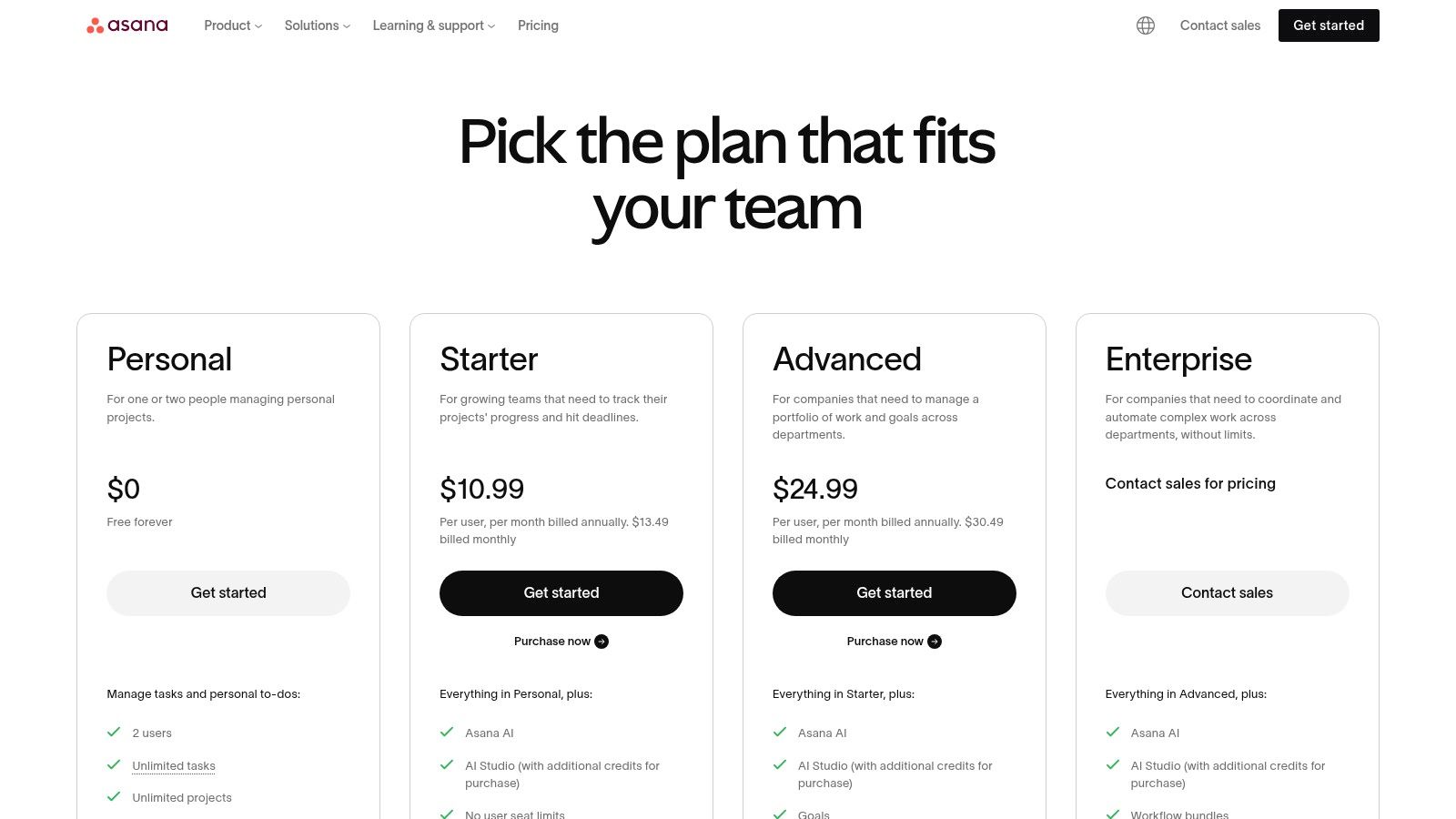
Asana offers a free "Personal" plan for individuals or small teams. Paid tiers (Starter, Advanced, Enterprise) unlock more powerful features like timelines, custom fields, advanced reporting, and portfolio management. Successful onboarding involves establishing clear project templates and conventions for how tasks are created and updated.
Pros: Establishes clear accountability, robust reporting for leadership eliminates status meetings. Cons: Can feel complex for very small teams or simple projects, advanced features require more expensive tiers.
Website: https://asana.com/pricing
11. GitHub (Discussions)
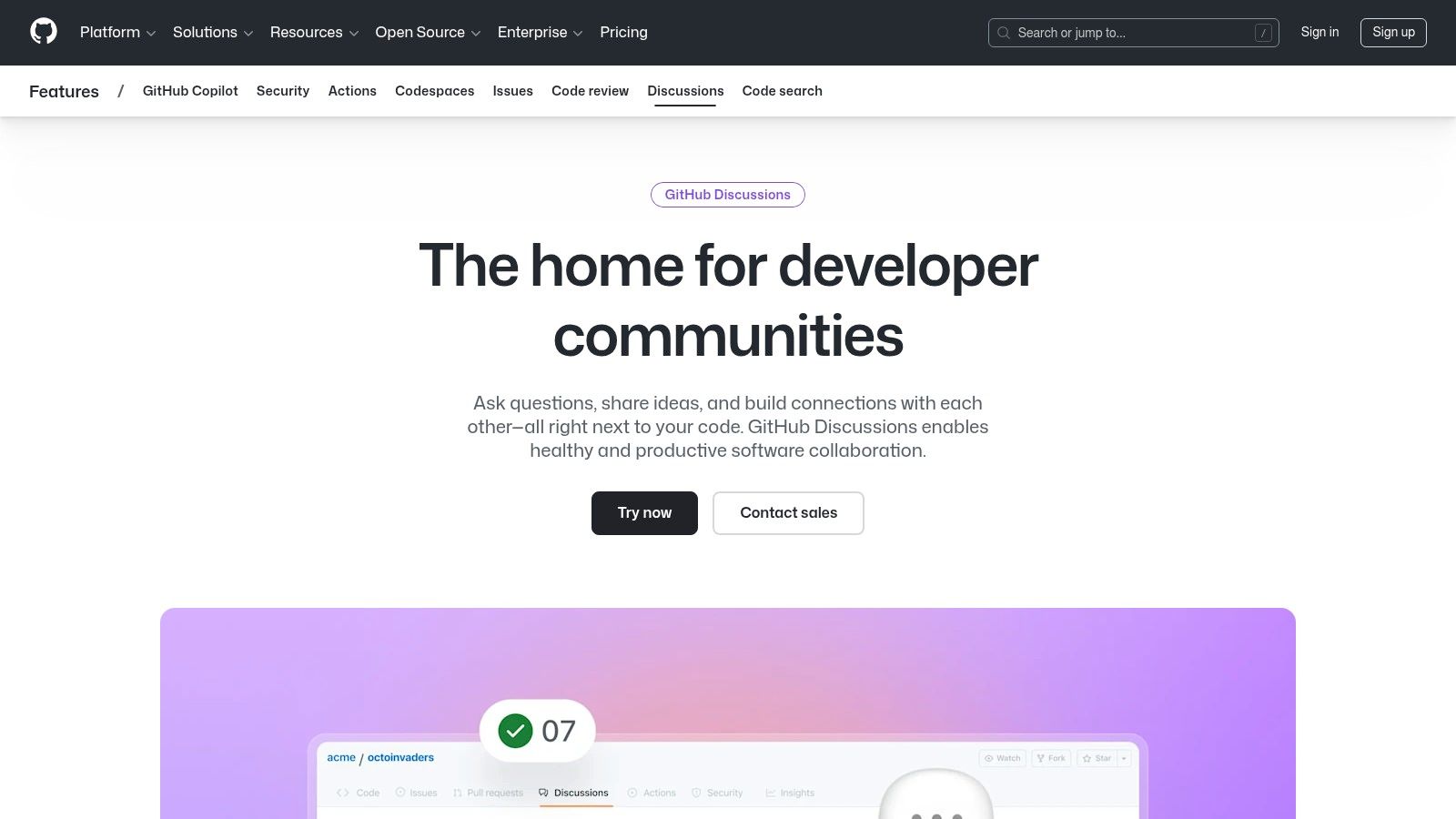
While GitHub is synonymous with code collaboration, its Discussions feature transforms it into a powerful asynchronous communication tool specifically for development teams. By placing threaded, persistent conversations directly within a code repository, it bridges the gap between project management, code, and decision-making. This keeps crucial architectural debates and community Q&A sessions right where the work happens, creating a living document for future reference.
For instance, a team can use a dedicated Discussion to debate a new API design. Instead of scattering feedback across pull requests or Slack channels, all stakeholders can contribute in a structured, threaded format. This ensures that the context and rationale behind key decisions are preserved alongside the codebase itself, which is invaluable for onboarding new engineers.
Key Features & Use Cases
- Repository-Centric Conversations: Discussions are tied to specific repositories, keeping conversations about features, bugs, and architecture organized and easy to find.
- Structured Formats: Use categories for different types of conversations (e.g., General, Q&A, Ideas). The Q&A format allows members to mark an answer as accepted, building a community-driven knowledge base.
- Integration with GitHub Ecosystem: Seamlessly works alongside Issues and Pull Requests. You can convert a promising Discussion into a formal Issue to track actionable work.
- Polls and Announcements: Engage the community or team by creating polls to gather quick feedback or pinning important announcements for high visibility.
Pricing and Onboarding
GitHub Discussions is available for free in public repositories and is included with all GitHub plans (Free, Team, and Enterprise) for private repositories. Onboarding involves enabling the feature in a repository's settings and establishing clear guidelines on when to use Discussions versus Issues. For example, use Discussions for open-ended brainstorming and Issues for defined tasks.
Pros: Keeps architectural and product debates close to the codebase, well-suited for distributed engineering teams and open-source communities. Cons: Best fit for developer-centric organizations and less suitable for non-technical teams, advanced governance features depend on the GitHub plan.
Website: https://github.com/features/discussions
12. Apple App Store & Google Play Store: The Gateways to Mobile Async
While not asynchronous communication tools themselves, the official mobile marketplaces are the essential starting point for equipping any team with mobile-first async capabilities. The Apple App Store and Google Play Store serve as the primary, trusted gateways for discovering, downloading, and managing the mobile versions of nearly every tool on this list, from Slack and Notion to Loom and Asana. They provide a secure and centralized ecosystem for deployment.
For a remote team, this is critical. A new hire can be onboarded by simply directing them to download a standard set of apps from their device's native store. This ensures everyone has access to the same version of an application, can manage subscriptions centrally, and benefits from platform-level security and updates. This streamlined access makes mobile async work possible at scale.
Key Features & Use Cases
- Curated Discovery: Both stores use editorial picks, user reviews, and algorithms to help teams find new or niche asynchronous communication tools they might not have otherwise discovered.
- Centralized Subscription Management: Easily manage in-app purchases and subscriptions for various tools directly through your Apple or Google account, simplifying billing and expense tracking.
- Secure & Vetted Downloads: Apps undergo a review process before being listed, providing a layer of security and trust that isn't available when downloading from third-party sources.
- Automatic Updates: Ensure your entire team is using the latest, most secure version of an app by enabling automatic updates, which is crucial for maintaining functionality and data safety.
Pricing and Onboarding
Access to the stores is free. App pricing is determined by individual developers and can range from free to subscription-based or one-time purchases. Onboarding involves creating company Apple IDs or using a Mobile Device Management (MDM) solution to deploy a standard set of apps to employee devices, ensuring consistency and control over company-approved tools.
Pros: Central, trusted sources for all major iOS and Android apps with secure payment systems, simplified subscription management and wide availability. Cons: Pricing and app availability can vary by region, and some developers may offer different features or billing options outside the store ecosystem.
Website: https://apps.apple.com and https://play.google.com/store
Top 12 Asynchronous Communication Tools Comparison
| Tool | Core features ✨ | UX quality ★ | Value & Pricing 💰 | Target audience 👥 | Standout 🏆 |
|---|---|---|---|---|---|
| Slack | ✨ Channels & threads, 2,600+ apps, AI recaps | ★★★★ | 💰 Per-user pricing; scales with team size | 👥 Cross-functional & enterprise teams | 🏆 Biggest app ecosystem & enterprise security |
| Microsoft Teams | ✨ Channels, Meetings, SharePoint/OneDrive integration, Teams Premium | ★★★★ | 💰 Included with Microsoft 365; complex licensing | 👥 Microsoft-centered organizations | 🏆 Deep Office 365 & identity integration |
| Google Workspace | ✨ Gmail, Chat/Spaces, Drive, Docs & AI assist | ★★★★ | 💰 Per-user; best value when standardized on Google | 👥 Email-first teams & distributed orgs | 🏆 Unified search across mail & files |
| Twist (Doist) | ✨ Thread-first channels, minimal distraction, API | ★★★☆ | 💰 Simple, transparent pricing; freemium | 👥 Async-first remote teams & small orgs | 🏆 Designed to reduce "always-on" chat pressure |
| Basecamp | ✨ Message Boards, To‑dos, schedules, flat org pricing | ★★★☆ | 💰 Flat org pricing option; unlimited users | 👥 Small–mid teams wanting simple workflows | 🏆 Opinionated, meeting-replacing workflows |
| Notion | ✨ Docs/wiki, databases, teamspaces, AI on higher plans | ★★★★ | 💰 Freemium; paid tiers for teams & AI | 👥 Doc-driven teams, product & design | 🏆 Flexible all‑in‑one knowledge hub |
| Atlassian Confluence | ✨ Spaces/pages, inline comments, SSO/permissions | ★★★★ | 💰 Tiered pricing; Premium/Enterprise for governance | 👥 Enterprise & Jira-integrated teams | 🏆 Enterprise governance & scale |
| Discourse | ✨ Forum topics, moderation, plugins, hosted/self‑hosted | ★★★☆ | 💰 Free self-host or paid hosted plans (higher for Enterprise) | 👥 Community managers & support teams | 🏆 Built for long‑form, persistent discussion |
| Loom | ✨ Screen/camera recording, transcripts, viewer analytics | ★★★★ | 💰 Freemium; paid for advanced AI & storage | 👥 Teams replacing meetings with async video | 🏆 Fast, accessible async video context |
| Asana | ✨ Tasks, timelines, dashboards, automations | ★★★★ | 💰 Freemium; advanced portfolio features on higher tiers | 👥 PMs, ops, cross-functional teams | 🏆 Accountability & reporting without live check‑ins |
| GitHub (Discussions) | ✨ Threaded discussions, Q&A, polls, repo integration | ★★★★ | 💰 Included with GitHub plans; enterprise options | 👥 Engineers & open‑source communities | 🏆 Conversations kept close to codebase |
| Apple App Store / Google Play | ✨ Curated listings, reviews, in‑app subscriptions | ★★★★ | 💰 Free access; in‑app purchases & regional pricing | 👥 Mobile users managing app subscriptions | 🏆 Central, trusted mobile discovery & billing |
Building Your Async Stack: How to Choose and Implement the Right Tools
Navigating the vast landscape of asynchronous communication tools can feel overwhelming, but the goal isn't to find a single, mythical "best" application. Instead, the objective is to thoughtfully construct a technology stack that aligns with your team's culture, workflows, and specific operational needs. As we've explored, the right combination of tools can dramatically reduce context switching, eliminate unnecessary meetings, and foster a calmer, more productive work environment.
The journey begins not with a product, but with a problem. By first identifying your team's most significant communication bottlenecks, you can make a more strategic selection. Are you battling a constant stream of real-time notifications? A dedicated threaded discussion tool like Twist or Discourse might be the answer. Is critical project information getting lost in ephemeral chat logs? A robust documentation hub such as Notion or Confluence is essential for creating a single source of truth.
How to Choose Your Core Tools
Making the right choice requires a clear-eyed assessment of your team's unique context. Don't just chase the most popular platform; consider these critical factors to guide your decision-making process:
- Identify Your Primary Use Case: What is the main job you need this tool to do? Is it for project management (Asana, Basecamp), deep, topic-based discussions (Twist, GitHub Discussions), quick video walkthroughs (Loom), or building a permanent knowledge base (Notion, Confluence)?
- Evaluate Your Team's Tech Savviness: A tool with a steep learning curve might face resistance. Platforms like Slack and Microsoft Teams are often familiar, while a highly customizable tool like Notion may require more dedicated onboarding and training.
- Consider Your Existing Ecosystem: The best asynchronous communication tools integrate seamlessly with the software you already use. Check for native integrations with your project management software, cloud storage (like Google Drive), and other critical applications to create a frictionless workflow.
- Assess Scalability and Cost: Think about your team's future. Will the pricing model become prohibitive as you grow? A free plan might suffice for a small startup, but enterprise-level features, security, and support will be crucial for larger organizations.
The Critical Role of Implementation and Culture
Simply introducing new software is not a solution; it's the start of a process. The success of your async stack hinges on how it's implemented and integrated into your company culture. Without clear guidelines, even the best tools can create more confusion.
To ensure a smooth transition and long-term adoption, focus on establishing clear protocols. Create a simple, accessible communication charter that outlines which tool should be used for which purpose. For example, use Asana for task-specific comments, Loom for visual feedback on designs, and Notion for documenting final decisions and processes.
Most importantly, leadership must model the desired behavior. Set and respect reasonable response time expectations (e.g., within 24 hours), default to asynchronous methods over scheduling meetings, and publicly celebrate the focused work that this approach enables. A well-chosen and properly implemented set of asynchronous communication tools does more than just boost productivity; it builds a foundation of trust, autonomy, and deep respect for individual focus, which are the true cornerstones of any successful remote team.
Ready to find a role at a company that has mastered asynchronous communication? RemoteWeek curates the best remote job opportunities from forward-thinking companies that value deep work and work-life balance. Explore our listings to discover your next great remote career at RemoteWeek.