
Your Ultimate Remote Employee Onboarding Checklist for 2025
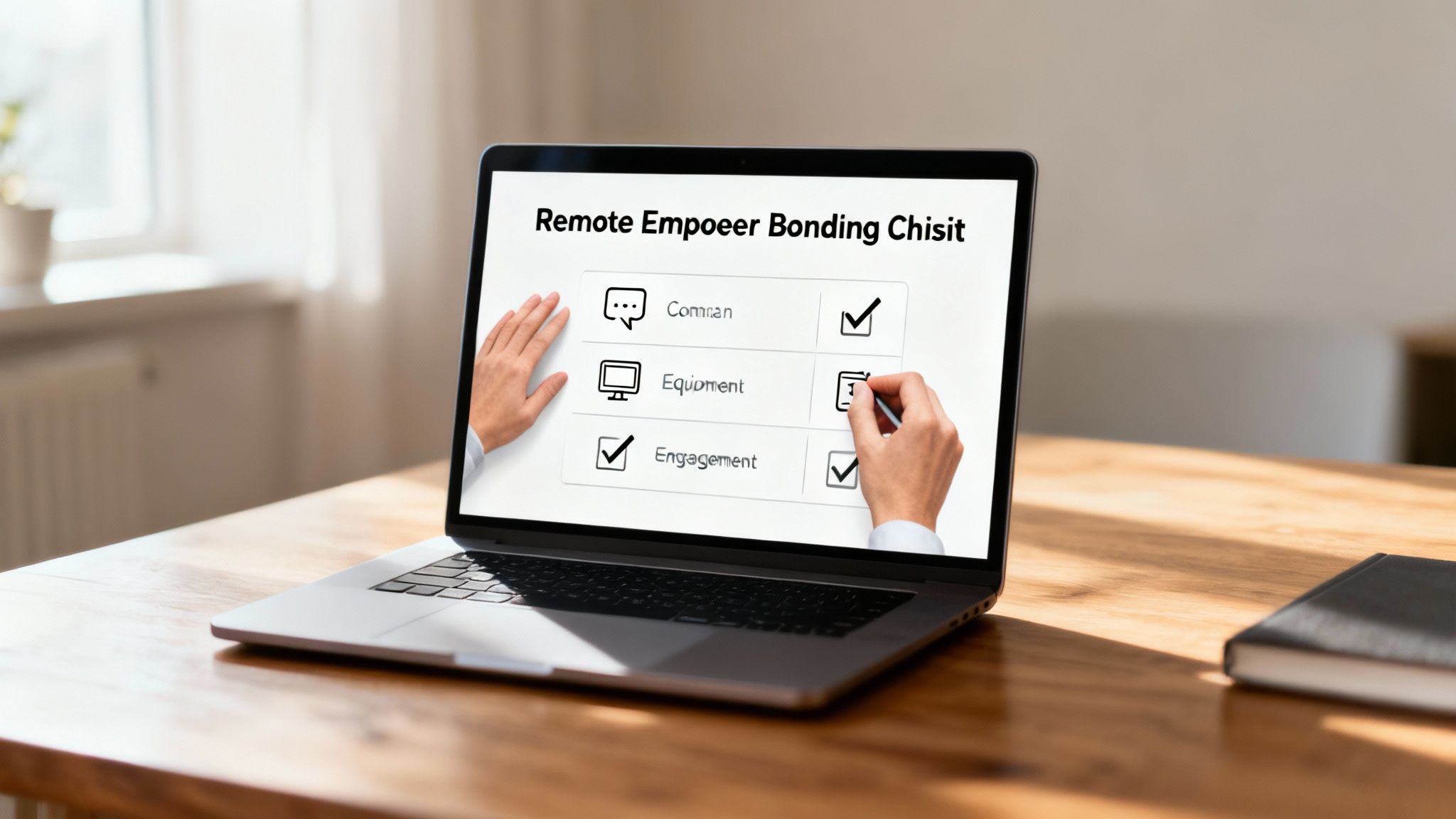
In a remote-first work environment, the quality of your onboarding process directly predicts long-term employee engagement and retention. Simply shipping a laptop and sending a standard welcome email falls short of what’s required to make new hires feel connected, prepared, and valued from their very first interaction. A structured, thoughtful approach is essential for integrating them successfully into your company culture and workflows.
This comprehensive remote employee onboarding checklist provides a step-by-step guide to creating a world-class experience. We will break down the entire process into manageable, actionable items, ensuring every new team member is set up for success before they even log in for their first official meeting. For companies dedicated to building strong, supportive virtual cultures, getting onboarding right is non-negotiable. It's the first and most powerful signal that you truly invest in your people.
By following this guide, you can move beyond a simple orientation to build a robust framework that supports new hires from the pre-start date preparations all the way through their initial months. Each step is designed to be specific and practical, offering a clear roadmap for HR managers, team leads, and anyone involved in the hiring process. For a deeper dive into tailoring your approach, explore these resources on best practices for customizing onboarding for remote roles. This checklist will help you transform onboarding from a logistical task into a strategic advantage.
1. Pre-Arrival Digital Setup and Account Creation
A seamless start for a new remote employee begins long before their first day. The foundational step in any effective remote employee onboarding checklist is preparing their complete digital toolkit in advance. This involves provisioning all necessary accounts, software access, and hardware to ensure they can log in and be productive from minute one, eliminating the frustrating and isolating experience of waiting for access.
This proactive approach sets a positive tone, demonstrating your organization's efficiency and genuine excitement for their arrival. By handling the technical logistics ahead of time, you free up their first few days for meaningful integration, training, and team-building activities, rather than troubleshooting login issues.

Why It’s a Critical First Step
This initial setup is more than just an IT task; it's the first tangible welcome your new hire receives. A smooth digital onboarding prevents initial feelings of disconnection and reinforces their decision to join your company. It ensures they feel valued and equipped, not like an afterthought.
Actionable Implementation Tips
- Create a Standardized IT Checklist: Two weeks before the start date, your IT and HR teams should run through a standardized checklist for the new hire. This list should include every piece of software, hardware, and access credential required for their specific role.
- Leverage Automation: Use identity and access management (IAM) tools like Okta, OneLogin, or Microsoft's Azure AD to automate the account creation process. These platforms can provision access to multiple applications (Google Workspace, Slack, Jira) simultaneously, reducing manual errors and saving significant time.
- Schedule Hardware Delivery: Ship all necessary hardware, such as a laptop, monitor, and peripherals, to arrive 1-2 days before their official start date. This gives them time to unbox and set up their physical workspace without pressure.
- Send a "Day Zero" Welcome Email: The business day before they start, send an email containing temporary login credentials, a link to the company's communication platform, and a clear schedule for their first day. This small step empowers them to be prepared and reduces first-day anxiety.
2. Welcome Video and Personalized Introduction from Leadership
A personalized welcome video from leadership is a powerful tool in a remote employee onboarding checklist that humanizes the company from the outset. This isn't just about sharing information; it's about creating an immediate emotional connection and making the new hire feel seen and valued before their first official meeting. This gesture bridges the physical distance inherent in remote work.
Sending a warm, authentic message from a key leader or the entire team transforms the onboarding from a series of administrative tasks into a personal welcome. It communicates that the new employee is not just another hire, but a crucial addition to the team whose arrival is genuinely anticipated and celebrated by the organization.
Why It’s a Critical First Step
A personalized video sets an inclusive and welcoming tone, combating the potential for isolation that can accompany remote roles. It provides a face to the names they’ve seen in emails, reinforcing the company culture and making leadership feel accessible. This small act of personalization has a significant impact on a new hire's sense of belonging and initial engagement.
Actionable Implementation Tips
- Create a Personalized Video Message: Record a short (2-5 minute) video from the new hire's direct manager, department head, or even the CEO. The message should personally welcome them by name, express excitement for them joining, and briefly touch on why their specific role is important to the team’s mission.
- Time the Delivery: Send this welcome video or introduction 24-48 hours before their start date. This timing ensures it’s one of the last, most memorable touchpoints they receive before logging on for day one.
- Encourage Team Contributions: Use tools like Vidyard or Loom to easily create a "welcome montage" from various team members. Each person can record a brief, informal greeting, giving the new hire a friendly overview of their future colleagues.
- Provide a Transcript: Always include a written transcript of the video content. This simple addition ensures the message is accessible to everyone and allows the new hire to easily review key names or details mentioned.
3. Comprehensive Onboarding Documentation and Knowledge Base
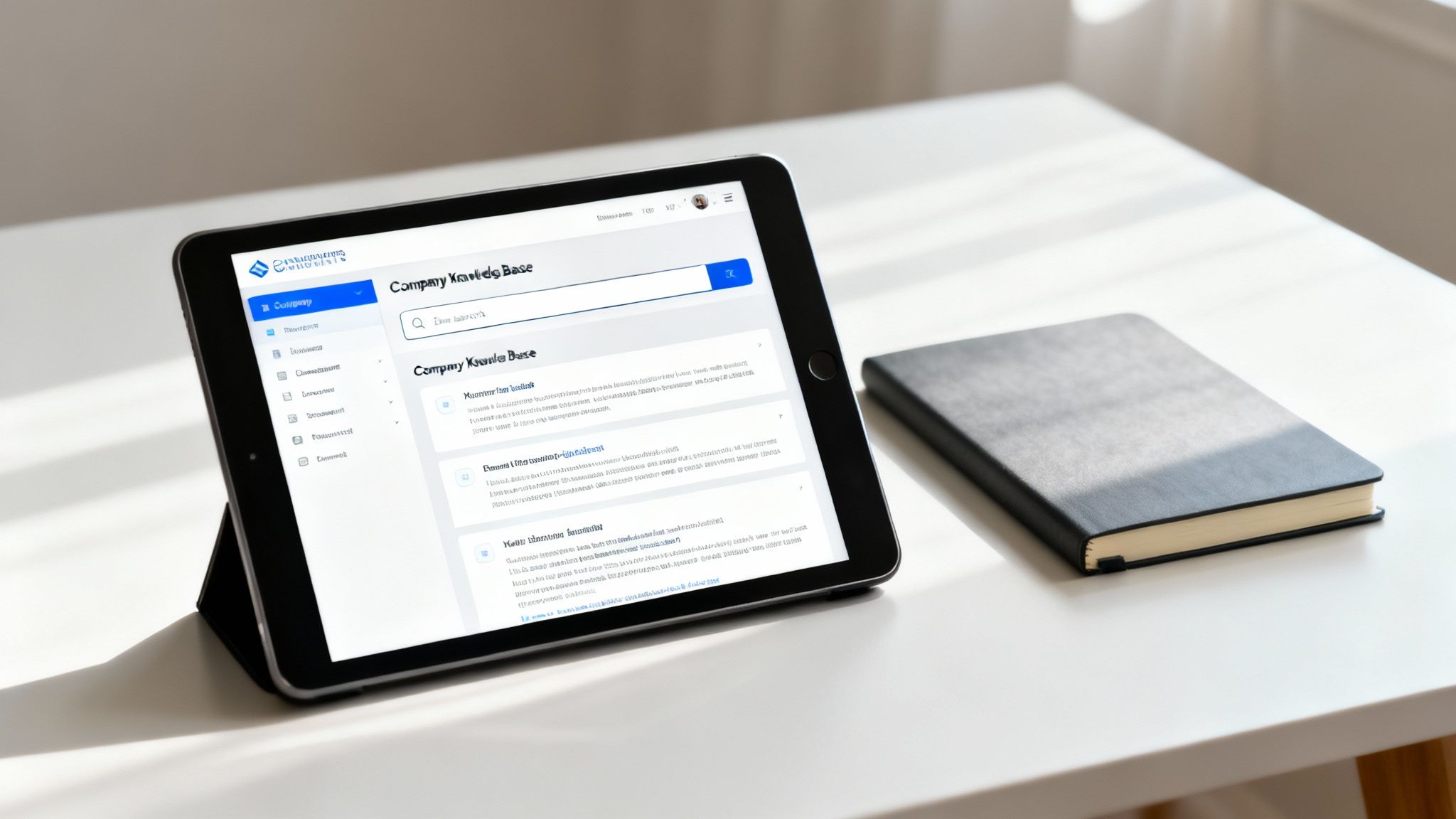
For a remote employee, the inability to quickly ask a colleague a question can lead to isolation and stalled progress. An essential item in your remote employee onboarding checklist is a centralized, well-organized digital knowledge base. This acts as a single source of truth, providing new hires with immediate, self-service access to company policies, procedures, role-specific guides, and frequently asked questions.
This repository empowers employees to find answers independently, fostering a sense of autonomy and resourcefulness from day one. Instead of waiting for a response on a messaging app, they can consult the knowledge base, which accelerates their learning curve and demonstrates a company culture that values clarity and accessibility.
Why It’s a Critical Self-Service Tool
A comprehensive knowledge base is the remote equivalent of an open-door policy. It ensures that critical information is not siloed within individual team members but is democratized and available 24/7, accommodating different time zones. This reduces dependency on others and allows new hires to onboard at their own pace.
Actionable Implementation Tips
- Choose a Searchable Platform: Use a dedicated tool like Notion, Confluence, Slite, or GitBook. These platforms offer powerful search functionality, version history, and collaboration features, making information easy to find and maintain.
- Organize Content Intuitively: Structure the knowledge base logically. Create dedicated sections for company-wide information (mission, values, policies), department-specific guides, and role-based playbooks to prevent information overload.
- Incorporate Multimedia: Enhance text-based documents with video tutorials for complex software, recorded walkthroughs of key processes, and visual org charts. This caters to different learning styles and makes content more engaging.
- Assign Ownership and a Review Cadence: Designate a specific person or team to own the knowledge base. Implement a quarterly review process to ensure all documentation is accurate, relevant, and up-to-date, preventing it from becoming a digital graveyard of outdated information.
4. Structured Virtual Onboarding Meetings and One-on-Ones
The absence of physical office interactions means a deliberate, structured approach to virtual meetings is essential for remote employee integration. A well-planned schedule of one-on-ones and team introductions transforms onboarding from a passive information dump into an active, relationship-building experience. This is a cornerstone of any effective remote employee onboarding checklist.
This structured communication ensures the new hire feels seen, heard, and connected to their manager, team, and the wider organization from day one. It proactively combats the isolation that can derail a new remote employee's journey by building a strong social and professional foundation.
Why It’s a Critical Integration Step
These initial meetings are the primary vehicle for building rapport and clarifying expectations in a remote setting. They provide dedicated time for the new hire to ask questions, understand team dynamics, and build the personal connections that foster psychological safety and collaboration. Without this structure, crucial context can be lost, and the new hire may struggle to find their footing.
Actionable Implementation Tips
- Create a First-Week Meeting Cadence: Schedule a mix of essential meetings for the first week, including a daily check-in with their manager, a team welcome meeting, and introductions with key cross-functional partners. Limit this to 4-5 core meetings to avoid video call fatigue.
- Use Shared Agendas: For each meeting, create a shared document (e.g., in Google Docs or Notion) with clear objectives, talking points, and space for notes. This ensures every conversation is productive and focused.
- Assign an Onboarding Buddy: Designate a peer mentor to schedule informal "coffee chats." This provides a safe space for the new hire to ask practical, non-managerial questions and learn about the company culture from a colleague's perspective.
- Record Key Sessions: With permission, record departmental overview or training meetings. This allows the new hire to revisit complex information at their own pace and serves as a valuable resource for future reference.
5. Digital Workspace Tour and System Navigation Training
Once a new hire has access to their accounts, the next step is ensuring they know how to use them effectively. A Digital Workspace Tour involves guided training on all the platforms, software, and systems essential to their role. This goes beyond simply providing logins; it’s about building technical competency and confidence from day one, preventing the frustration of navigating unfamiliar digital environments alone.
This guided introduction is a cornerstone of a successful remote employee onboarding checklist because it empowers employees to contribute faster. Instead of spending their first week struggling with project management tools or communication platforms, they receive structured, hands-on learning that accelerates their integration and productivity.
Why It’s a Critical Integration Step
Without proper training, even the most intuitive software can become a barrier to performance. A structured tour ensures every team member operates from a shared understanding of how tools are used for specific workflows, which maintains consistency and prevents process breakdowns. It makes the new hire feel capable and supported rather than isolated and confused.
Actionable Implementation Tips
- Create a "Tool Stack" Video Library: Use screen recording tools like Loom or Zight (formerly CloudApp) to create a library of short, focused videos (5-10 minutes) for each primary tool. A video on "How We Use Asana for Project Sprints" is far more useful than a generic product tutorial.
- Provide Sandbox Environments: For complex proprietary software or highly customized platforms, give new hires access to a "sandbox" or training account. This allows them to practice and explore features without the risk of making errors in the live production environment.
- Develop Quick-Reference Guides: Supplement video training with one-page PDF guides or internal wiki pages that outline key functions, common workflows, and who to contact with questions for each tool.
- Schedule Live Training for Core Systems: For mission-critical or complex software (like a CRM or ERP system), schedule a live, interactive training session with a subject matter expert. This allows for real-time Q&A and personalized guidance.
6. Welcome Package and Company Swag Delivery
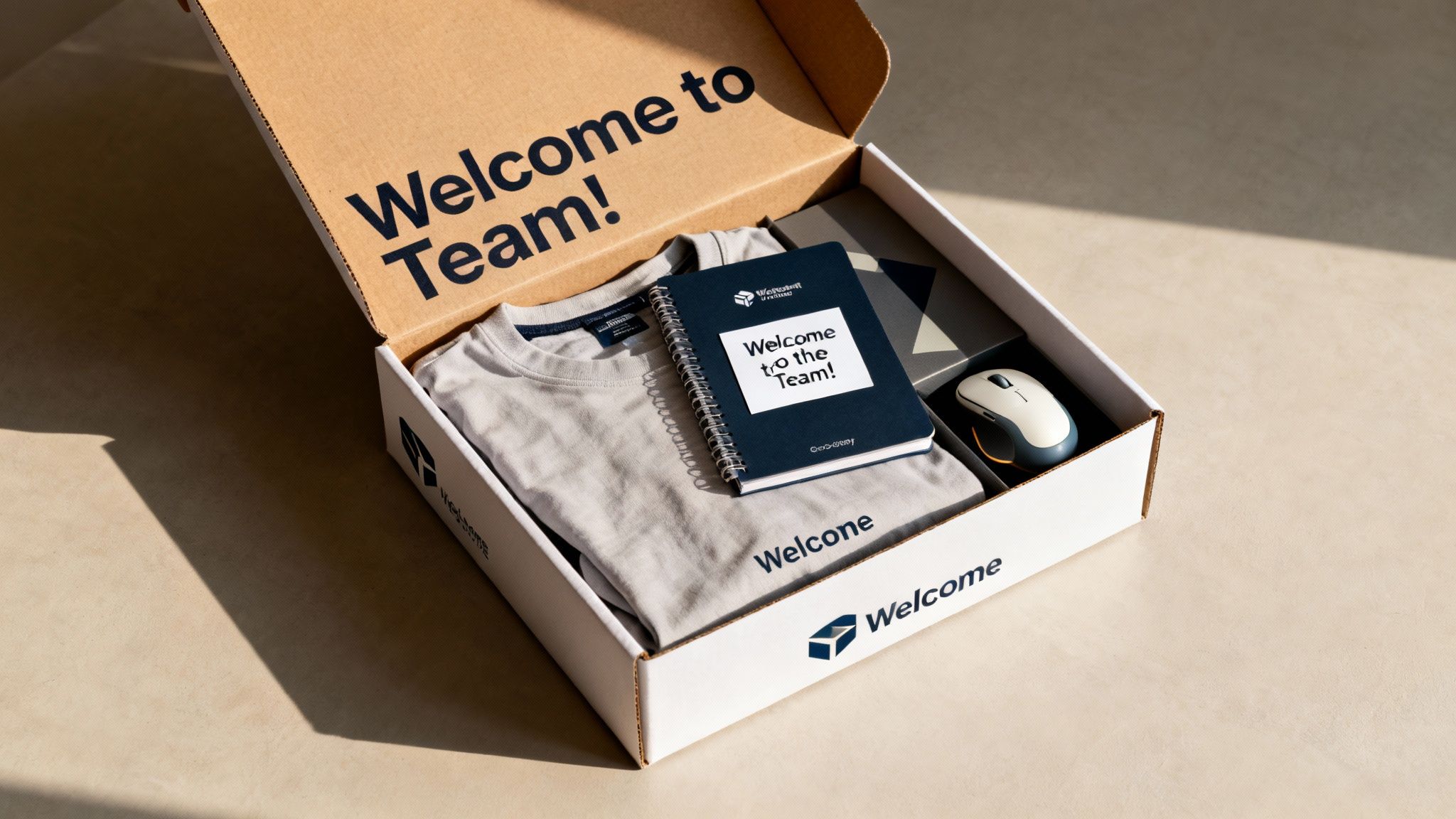
For a remote employee, the absence of a physical office can create an initial sense of disconnect. Sending a tangible welcome package directly to their home is a powerful way to bridge that distance, making them feel like a valued part of the team from day one. This curated box of company swag, essential supplies, and personalized items serves as a physical handshake, solidifying their connection to the company culture and brand.
This gesture goes beyond providing necessary equipment; it's a strategic move in your remote employee onboarding checklist to foster belonging and excitement. Companies like GitLab and Stripe excel at this, creating memorable unboxing experiences that generate genuine enthusiasm and reinforce the employee's decision to join.
Why It’s a Critical Engagement Tool
A thoughtfully assembled welcome kit makes a strong first impression and communicates company investment in the employee experience. It immediately immerses the new hire in the company's brand and culture, helping them feel connected to a team they have yet to meet in person. This simple act can significantly boost morale and long-term loyalty.
Actionable Implementation Tips
- Curate with Purpose: Go beyond a standard pen and notepad. Include high-quality, useful items like a branded mug, a comfortable hoodie, a wireless mouse, or a subscription to a coffee or snack service. The goal is to provide items they will genuinely use and appreciate.
- Add a Personal Touch: Include a handwritten welcome note from their direct manager or the CEO. This small, personal detail can have a massive impact, making the new hire feel seen and individually welcomed.
- Time the Delivery: Ship the package to arrive 2-3 days before their official start date. This timing builds anticipation and ensures they have everything they need for their first morning, creating a seamless and exciting start.
- Budget Accordingly: Plan for a budget of $50-$150 per employee. This investment in creating a positive initial experience pays dividends in employee engagement and retention, making it a crucial part of your onboarding strategy.
7. Clear Role Expectations and Goals Documentation
Ambiguity is the enemy of productivity in a remote setting. One of the most critical components of a successful remote employee onboarding checklist is providing crystal-clear, written documentation that outlines the new hire’s role, responsibilities, and performance expectations. This document acts as a North Star, ensuring complete alignment on what success looks like from day one.
By formalizing expectations, you replace assumptions with concrete metrics and milestones. This proactive step empowers new employees to take ownership of their role with confidence, knowing exactly what they need to achieve in their first 30, 60, and 90 days. It also provides a foundational document for future performance conversations, making feedback direct, fair, and effective.
Why It’s a Critical Step
Without documented goals, remote employees may struggle to prioritize tasks or understand how their work contributes to the bigger picture. This can lead to disengagement, anxiety, and wasted effort. A clear expectations document provides structure and purpose, serving as an anchor in the asynchronous remote environment and fostering a sense of accomplishment as goals are met.
Actionable Implementation Tips
- Implement a 30-60-90 Day Plan: Create a detailed plan outlining specific, achievable goals for the first three months. The first 30 days should focus on learning and integration, 60 days on contribution, and 90 days on taking initiative.
- Use the SMART Goal Framework: Ensure every goal is Specific, Measurable, Achievable, Relevant, and Time-bound. For example, instead of "Learn the CRM," use "Complete all five CRM training modules and successfully log 10 new client interactions by the end of week two."
- Align Individual and Company Objectives: Connect the new hire's goals to team and company-wide OKRs (Objectives and Key Results). This helps them see the direct impact of their work, which is a powerful motivator. This clarity is a key component often outlined when you create a remote work policy.
- Document and Share Everything: House this plan in a shared, living document (like a Google Doc or Notion page) that both the employee and manager can access and update. Schedule a check-in at the 30-day mark to review progress and adjust goals as needed.
8. Mentorship or Buddy System Assignment
A new remote employee's experience is often defined by their connections, not just their tasks. Assigning a peer mentor or "buddy" from day one is a powerful way to foster these connections organically. This system pairs the new hire with an experienced team member who provides informal support, answers day-to-day questions, and offers crucial cultural insights outside the formal management structure.
This relationship acts as a friendly, low-pressure lifeline, helping the new employee navigate unspoken social norms and company quirks. It humanizes the onboarding process, combats the isolation inherent in remote work, and accelerates their integration into the team’s fabric. This step is a cornerstone of a successful remote employee onboarding checklist.
Why It’s a Critical Integration Step
A manager can provide direction, but a buddy provides context. This informal relationship offers a safe space for the new hire to ask "silly" questions they might hesitate to ask their direct supervisor. This accelerates their learning curve and builds their confidence, making them feel like a true part of the team faster.
Actionable Implementation Tips
- Select Buddies Strategically: Choose experienced, engaged employees who exemplify your company culture. It's often best to select a buddy from a different team or project to broaden the new hire's network and avoid any reporting line conflicts.
- Provide Clear Guidelines: Equip the mentor with a simple guide outlining their role. This should include expectations, conversation starters, and a suggested schedule for check-ins (e.g., a 15-minute virtual coffee in the first week).
- Facilitate the First Meeting: Make a direct introduction via a group chat or a brief introductory video call. This removes any awkwardness and officially kicks off the relationship.
- Encourage Informal Check-ins: Prompt buddies to schedule at least two or three informal video calls within the first month. These are not for work status updates but for building rapport and answering general questions about the company.
9. Cybersecurity Training and Compliance Onboarding
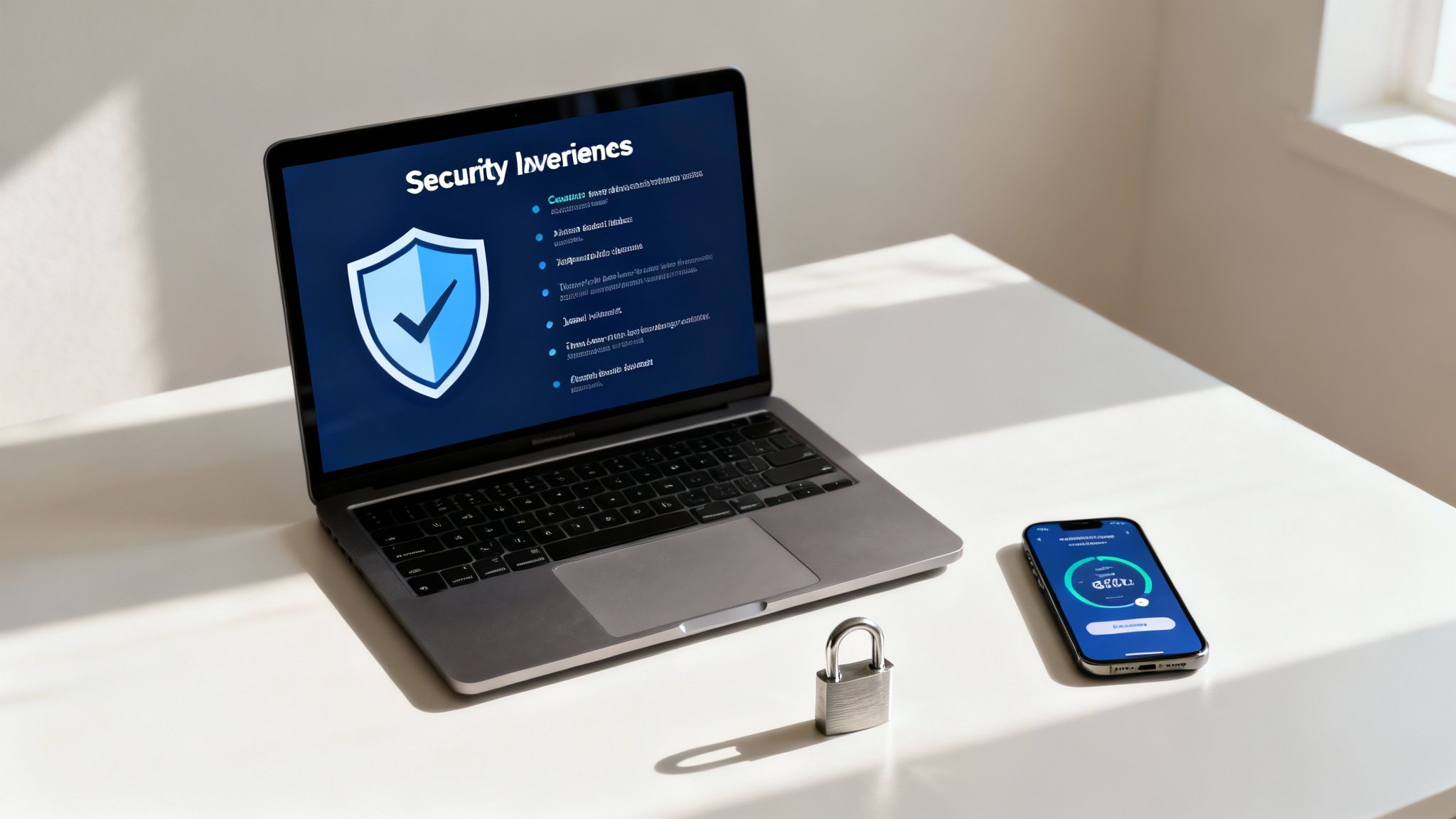
In a distributed workforce, every employee is a potential endpoint and a guardian of company data. Mandatory cybersecurity training is a non-negotiable part of any modern remote employee onboarding checklist. This step ensures new hires understand their critical role in protecting sensitive company and customer information by familiarizing them with security best practices, compliance standards, and acceptable use policies from day one.
This foundational training mitigates significant risks associated with remote work, such as unsecured networks and phishing attacks. By embedding a security-first mindset early, you empower employees to act as your first line of defense, transforming a potential vulnerability into a collective strength and protecting your organization's integrity and reputation.
Why It’s a Critical First Step
Failing to properly train remote employees on security protocols creates immediate and severe vulnerabilities. A single mistake, such as clicking a malicious link or using an unsecured Wi-Fi network for sensitive work, can lead to catastrophic data breaches. This training is essential for compliance with regulations like GDPR and CCPA and demonstrates a commitment to protecting client data, which builds trust.
Actionable Implementation Tips
- Make Training Interactive and Role-Specific: Ditch long, passive videos. Use interactive modules from platforms like SANS Security Awareness or KnowBe4 that include real-world scenarios, quizzes, and gamification to boost engagement and retention. Tailor content to the employee's role and data access level.
- Require Policy Acknowledgment: After training, require new hires to digitally sign documents acknowledging they have read and understood key policies, such as the Acceptable Use Policy, Data Protection Policy, and Incident Response Plan.
- Establish Clear Reporting Channels: Ensure employees know exactly who to contact and how to report a suspected security incident immediately. Provide a straightforward process for reporting suspicious emails or activities without fear of blame.
- Schedule Annual Refreshers: Cybersecurity threats evolve constantly. Mandate annual refresher courses and provide ad-hoc updates on new threats to keep security practices current. You can learn more about effective cybersecurity strategies for remote workers to enhance your training.
10. First Week Integration Activities and Social Connection Building
Beyond the initial introductions and training sessions, a crucial part of any comprehensive remote employee onboarding checklist is intentionally fostering social connections. During the first week, organizing virtual team activities and informal get-togethers helps to break down barriers, integrate the new hire into the team’s culture, and combat the isolation that can undermine a remote role.
This deliberate effort to build relationships from day one accelerates a new employee's sense of belonging and psychological safety. It signals that your company values camaraderie and collaboration, not just task completion, making the new hire feel like a true part of the team rather than a distant contractor.
Why It’s a Critical Integration Step
Social connection is the glue that holds a remote team together. Without the spontaneous interactions of an office, these planned activities are essential for building trust, improving communication, and making work more enjoyable. It helps a new hire understand team dynamics and communication styles in a low-pressure environment, setting them up for long-term success.
Actionable Implementation Tips
- Schedule a Mix of Activities: Plan 2-3 informal social events during the first week. This could include a virtual team coffee, a game session, or a casual lunch-and-learn where team members share hobbies.
- Offer Asynchronous Options: Create a dedicated Slack or Teams channel for introductions where team members can share fun facts, photos of their pets, or their favorite weekend activities. This allows for connection across different time zones.
- Encourage One-on-One Chats: Assign an onboarding buddy, but also encourage other team members to schedule brief, 15-minute "coffee chats" with the new hire to introduce themselves and their roles individually.
- Incorporate Structured Fun: To truly foster a sense of belonging and collaboration, incorporate engaging activities such as these recommended team building activities for remote workers during the initial integration period. These structured events can spark conversation and create shared memories. Learn more about planning effective virtual team building activities.
Remote Employee Onboarding: 10-Point Comparison
| Approach | Implementation Complexity 🔄 | Resource & Speed ⚡ | Expected Outcomes 📊 | Ideal Use Cases 💡 | Key Advantages ⭐ |
|---|---|---|---|---|---|
| Pre-Arrival Digital Setup and Account Creation | Moderate–High; cross-department coordination | Moderate resources; automated provisioning speeds delivery | Immediate day‑one productivity; fewer support tickets | Remote hires, security‑sensitive roles, global teams | ⭐⭐⭐⭐ Ensures access & compliance from day one |
| Welcome Video and Personalized Introduction from Leadership | Low–Medium; filming and coordination | Low resources; quick to produce and reusable | Strong emotional connection; reduced isolation | High‑touch roles, culture‑first companies, small cohorts | ⭐⭐⭐ Humanizes onboarding; scalable reuse |
| Comprehensive Onboarding Documentation and Knowledge Base | High upfront effort; ongoing maintenance required | High resource investment initially; enables fast self‑serve | Consistent onboarding; fewer repetitive questions | Large orgs, diverse roles, scaling teams | ⭐⭐⭐⭐ Self‑service reference; long‑term scalability |
| Structured Virtual Onboarding Meetings and One‑on‑Ones | Medium; scheduling and agenda prep, time‑zone challenges | High time cost (synchronous); slower if overloaded with meetings | Builds relationships; clarifies expectations and role | Manager‑led roles, collaborative teams, early alignment needs | ⭐⭐⭐⭐ Drives rapport and clear expectations |
| Digital Workspace Tour and System Navigation Training | Medium; needs SMEs and training materials | Moderate resources; accelerates tool competence quickly | Faster tool adoption; reduced IT tickets | Tool‑heavy roles, complex platforms, SaaS users | ⭐⭐⭐⭐ Improves technical confidence and standardization |
| Welcome Package and Company Swag Delivery | Low–Medium; procurement and shipping logistics | Moderate‑High cost; shipping can delay arrival | Tangible welcome; increases belonging and morale | Brand‑centric companies, culture initiatives, recruiting perks | ⭐⭐⭐ Creates memorable first impression and pride |
| Clear Role Expectations and Goals Documentation | Low–Medium; requires manager input and alignment | Low resources; quick to implement and update | Reduced ambiguity; measurable performance direction | Performance‑driven roles, goal‑oriented teams | ⭐⭐⭐⭐ Aligns priorities and accountability |
| Mentorship or Buddy System Assignment | Low; pairing and simple guidelines | Low ongoing resource per hire; depends on mentor time | Faster social integration; informal support channel | New grads, remote‑first teams, complex cultures | ⭐⭐⭐⭐ Reduces isolation; accelerates team integration |
| Cybersecurity Training and Compliance Onboarding | Medium; legal/compliance coordination and tracking | Moderate resources; can be automated but mandatory | Lower security incidents; documented compliance | Security‑sensitive industries, remote access roles | ⭐⭐⭐⭐ Reduces risk; ensures regulatory compliance |
From Checklist to Culture: Building Your Onboarding Flywheel
Transitioning from a promising candidate to a thriving team member is a critical journey, and in a remote environment, that path is paved with intentional actions. The comprehensive remote employee onboarding checklist we've explored is more than just a series of administrative tasks. It is the architectural blueprint for building a strong, connected, and productive distributed team from day one. By systematically addressing everything from pre-arrival digital setup to fostering early social connections, you eliminate the ambiguity and isolation that can undermine a new hire's success.
This process transforms onboarding from a procedural hurdle into a strategic advantage. When a new employee receives their equipment on time, has a welcome video from leadership waiting in their inbox, and a clear guide to your digital workspace, they feel valued and prepared. This isn't just about efficiency; it's about setting a cultural precedent. It communicates that your organization is organized, thoughtful, and deeply invested in its people, regardless of their physical location.
The True Value of a Meticulous Onboarding Process
The ultimate goal of a robust remote employee onboarding checklist is to create a self-perpetuating cycle of success, or an "onboarding flywheel." A well-onboarded employee quickly becomes a confident and engaged contributor. In turn, they become the next great mentor or buddy for a future new hire, sharing their positive experience and reinforcing the company's supportive culture. This continuous loop of positive reinforcement strengthens team cohesion and dramatically accelerates a new hire's time-to-productivity.
Here are the most important takeaways to remember:
- Proactivity is Paramount: Don't wait for a new hire to ask questions. Anticipate their needs by providing comprehensive documentation, scheduling key meetings in advance, and assigning a dedicated buddy.
- Human Connection is Non-Negotiable: Technology enables remote work, but human connection sustains it. Prioritize virtual one-on-ones, social integration activities, and mentorship to combat isolation and build meaningful professional relationships.
- Clarity Erases Anxiety: Ambiguity is the enemy of confidence. Clearly documented role expectations, 30-60-90 day plans, and accessible knowledge bases empower new employees to take ownership of their roles with conviction.
Your Actionable Next Steps
Mastering remote onboarding is an ongoing commitment, not a one-time project. Begin by auditing your current process against the checklist items discussed. Identify the gaps and prioritize the most impactful changes you can make immediately. Perhaps it’s formalizing your buddy system or creating a centralized knowledge base.
Most importantly, implement a feedback mechanism. Survey new hires at the 30, 60, and 90-day marks to gather insights on what worked and what didn't. Use this direct feedback to continuously refine and improve your remote employee onboarding checklist. This iterative approach ensures your process evolves with your team and solidifies your reputation as an employer of choice in the competitive remote talent market. Investing in this first impression doesn't just build better employees; it builds a stronger, more resilient company culture.
Ready to attract top-tier remote talent who will thrive with your new and improved onboarding process? Find dedicated, skilled professionals actively seeking forward-thinking remote companies on RemoteWeek. Post your job listing on RemoteWeek and connect with candidates who are ready to make an immediate impact.