
Top 10 Virtual Interview Tips to Land Your Dream Remote Job in 2025
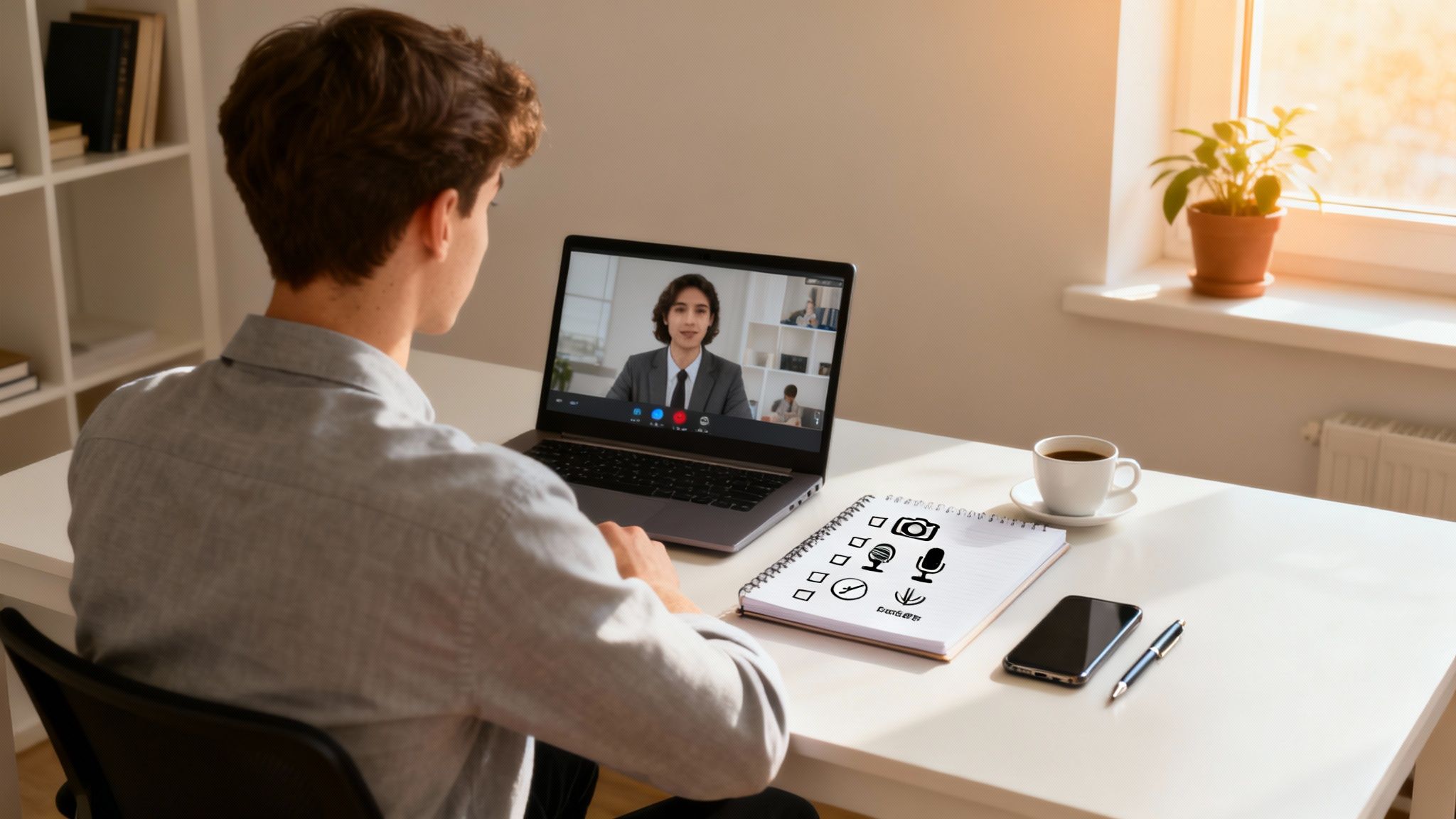
Virtual interviews are now the standard gateway to landing a top remote role. While the format offers convenience, it also presents unique challenges, from technical glitches to mastering digital body language. Acing your virtual interview requires more than just solid answers; it demands a strategic approach to presentation, technology, and communication that demonstrates your professionalism through a screen.
This guide provides 10 essential virtual interview tips, curated to help you stand out and navigate the remote hiring process with confidence. These are not generic suggestions. Instead, you'll find actionable insights designed to transform your video call from a simple conversation into a powerful demonstration of your capabilities and preparedness. We'll cover everything from optimizing your physical and digital environment to refining your on-camera communication skills, ensuring you make a memorable impression on your potential employer.
Whether you're a seasoned professional or new to remote work, mastering these techniques is critical. You will learn how to:
- Prepare your environment: Create a professional setting that eliminates distractions and technical issues.
- Command your digital presence: Use body language and vocal tone to convey confidence and engagement.
- Structure your communication: Deliver clear, impactful answers and ask insightful questions.
By implementing these specific virtual interview tips, you will be fully equipped to showcase your qualifications effectively and move one step closer to securing your ideal remote position. Let's begin.
1. Optimize Your Lighting Setup
How you appear on camera directly influences the interviewer's first impression, and proper lighting is the single most important factor in looking professional and engaged. Poor lighting can cast unflattering shadows, obscure your facial expressions, and make you appear disinterested or unprofessional. Conversely, a well-lit setup ensures your non-verbal cues are clear, helping you build rapport and convey confidence. This is one of the most critical virtual interview tips because it shows the interviewer you are detail-oriented and take the opportunity seriously.

How to Achieve Professional Lighting
The goal is to illuminate your face evenly without creating harsh shadows. The best light source is natural, diffused light. If you have a window, position your desk so you are facing it. This provides soft, flattering light that brightens your features naturally.
If natural light is not an option, you can easily replicate it. Professional streamers and content creators almost universally use ring lights for this reason. A simple desk lamp can also work effectively. To ensure you look your best and are well-lit during your virtual interview, review a complete guide to home office lighting for more advanced techniques.
Actionable Lighting Tips
Follow these practical steps to perfect your on-camera appearance:
- Position the Light Source in Front: The primary light source should always be in front of you, not behind or directly above. Backlighting, such as sitting with a bright window behind you, will turn your face into a silhouette.
- Use Soft, Diffused Light: Avoid harsh, direct spotlights. If using a lamp, you can diffuse it by bouncing the light off a white wall or placing a thin white cloth over it.
- Test Your Setup: Don't wait until the interview starts. At least 15 minutes beforehand, open your video conferencing app (like Zoom or Teams) to use the video preview feature. Check for shadows and make adjustments.
- Adjust Your Monitor: Your screen also emits light. Adjust its brightness to complement your primary lighting, preventing a blueish or washed-out glow on your face.
For a visual demonstration of how to set up your lighting for a video call, watch this helpful tutorial.
Taking a few minutes to get your lighting right is a small effort with a big impact, ensuring you present the most polished and professional version of yourself. For more ideas, explore our guide to the best lighting for your home office.
2. Choose a Professional Background
The space behind you on camera is a direct reflection of your professionalism and attention to detail. A cluttered or distracting background can unintentionally signal disorganization, while a clean, thoughtful backdrop reinforces your credibility and helps the interviewer focus solely on you. Selecting the right setting is one of the most effective virtual interview tips because it shows you understand the importance of professional presentation, even in a remote environment.

How to Select Your Background
The ideal background is one that is simple, professional, and free from distractions. A neutral, solid-colored wall is often the safest and most effective choice. If you have a dedicated home office, ensure it is tidy, with items like books or minimal decor neatly arranged. Tech companies often appreciate a clean, minimalist background, while consulting firms like McKinsey sometimes use branded virtual backgrounds to maintain a consistent corporate image.
If your physical space is not ideal, a high-quality virtual background can be a great alternative. Platforms like Zoom and Microsoft Teams offer libraries of professional options. The key is to choose one that looks realistic and is not distracting, such as a modern office or a subtle, blurred home interior. Learn more about creating an optimal workspace by setting up a home office for remote work.
Actionable Background Tips
Follow these practical steps to create a professional setting for your interview:
- Prioritize Simplicity: Opt for a plain, neutral wall or a tidy, organized bookshelf. Avoid busy patterns, bright colors, or personal items that might draw the interviewer's attention away from you.
- Declutter Your Space: Remove any laundry, dishes, or general clutter from the camera's view. A clean background shows respect for the interview process.
- Test Virtual Backgrounds: If using a virtual background, test it thoroughly beforehand. Ensure it doesn’t glitch, flicker, or cut out parts of your head and shoulders as you move.
- Create Depth: Position yourself at least two to three feet away from your background. This creates a more professional sense of depth and prevents your virtual background from looking unnatural.
3. Test Technology and Internet Connection
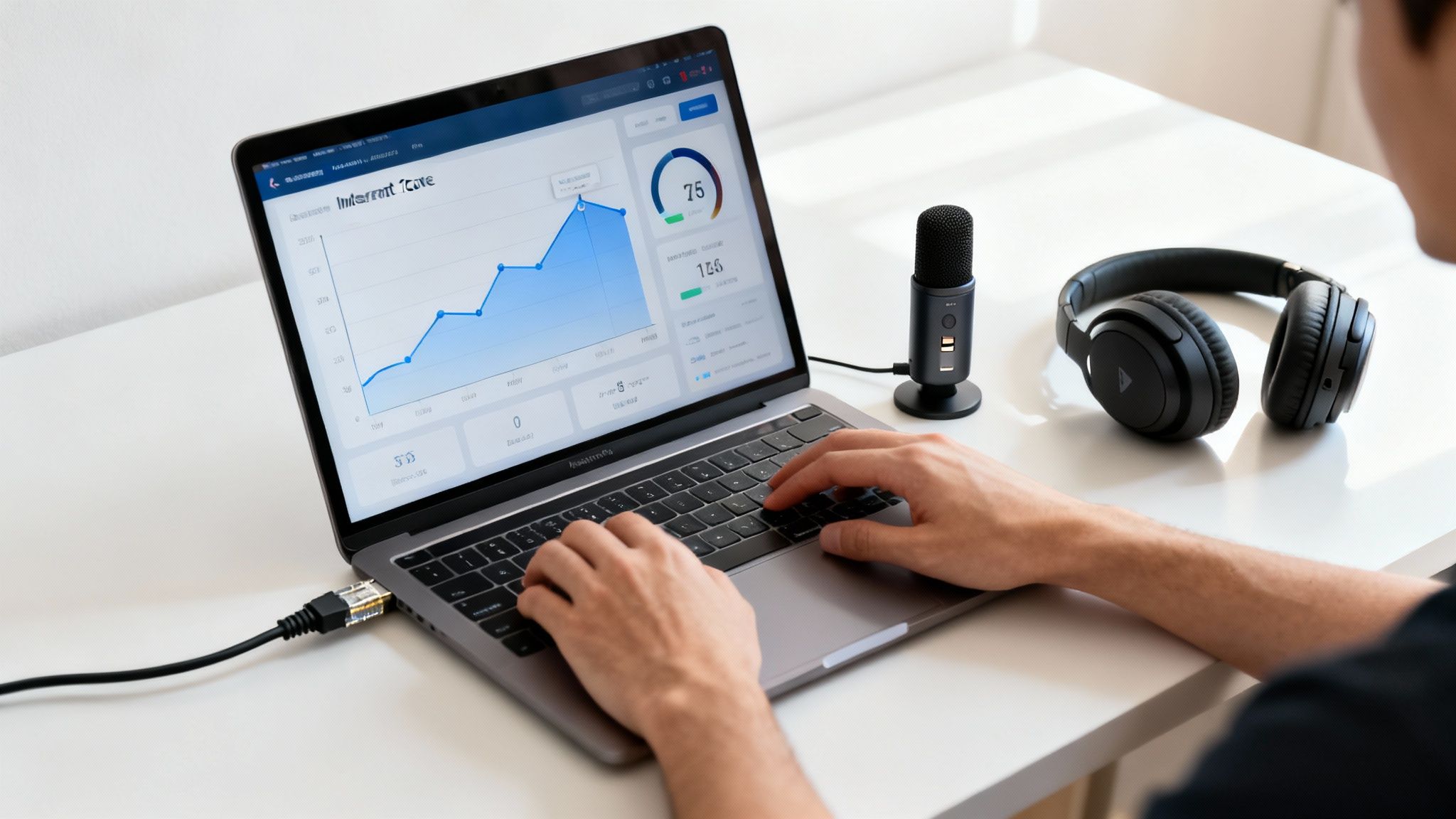
Nothing derails a strong first impression faster than technical difficulties. A frozen screen, garbled audio, or an unstable connection can disrupt the flow of conversation and project an image of unpreparedness. Proactively testing your technology is one of the most crucial virtual interview tips because it demonstrates your professionalism, respect for the interviewer's time, and ability to manage logistics in a remote environment. Companies like Amazon and Microsoft often include mandatory pre-interview technology checks to ensure a seamless experience.
How to Ensure a Flawless Tech Setup
Your goal is to eliminate any potential technical surprises on interview day. This involves a comprehensive check of your hardware, software, and internet connection at least 24 hours in advance. Many video conferencing platforms, like Zoom and Microsoft Teams, have built-in features that allow you to test your camera, microphone, and speakers. Use these tools to confirm everything is working as expected and to familiarize yourself with the platform’s interface.
This preparation allows you to troubleshoot issues with plenty of time to spare, whether that means updating drivers, reinstalling software, or finding a better location for your Wi-Fi router. For a detailed walkthrough on diagnosing common issues, you can often find troubleshooting guides directly on the video conferencing software's website, such as the Zoom Help Center.
Actionable Technology Tips
Follow this checklist to ensure your equipment is interview-ready:
- Check Your Internet Speed: Use a tool like Speedtest.net to verify your connection. Aim for a minimum of 5-10 Mbps for both upload and download speeds to ensure stable, high-quality video.
- Use a Wired Connection: If possible, connect your computer directly to your router with an Ethernet cable. A wired connection is significantly more stable and reliable than Wi-Fi.
- Test Your Hardware: Open the interview platform and use its preview or test function. Check that your camera provides a clear picture and your microphone picks up your voice without static or echo.
- Prepare a Backup Plan: Technology can fail unexpectedly. Have a backup device (like a tablet or phone) ready to go, and keep your mobile hotspot prepared as a backup internet source.
- Minimize Bandwidth Usage: Close all unnecessary applications, browser tabs, and background downloads on your computer before the interview begins. Ask others in your household to limit heavy internet use during your call.
- Join the Call Early: Click the interview link 10-15 minutes before the scheduled start time. This gives you a final chance to confirm everything is working and to relax before the interviewer joins.
4. Maintain Professional Eye Contact with the Camera
In a virtual interview, your camera is the interviewer's eyes. Looking directly at the camera lens, rather than at the person's image on your screen, creates the powerful illusion of direct eye contact. This small adjustment is one of the most impactful virtual interview tips for building rapport, as it signals confidence, engagement, and trustworthiness. Fortune 500 recruiters consistently note that candidates who maintain camera eye contact appear more present and credible.

How to Practice Effective Camera Eye Contact
The goal is to make your gaze feel natural, not like an intense stare. The technique is similar to how TED Talk speakers connect with a large audience by focusing on the camera lens. Your instinct will be to watch the interviewer’s face on the screen, but this makes you appear to be looking down and away. To overcome this, you must train yourself to speak to the small dot on your laptop or webcam.
Practicing this skill is essential. Record yourself answering a few common interview questions while consciously looking at the camera. When you watch the playback, you will immediately see the difference it makes in your perceived confidence and connection. This technique shows the interviewer that you are focused on them and the conversation.
Actionable Eye Contact Tips
Follow these practical steps to master eye contact during your virtual interview:
- Position Your Camera at Eye Level: Use a laptop stand or a stack of books to raise your camera so it is level with your eyes. This prevents an awkward upward or downward angle.
- Place the Video Window Below the Camera: Shrink the interviewer's video window and drag it to the top center of your screen, directly beneath your webcam. This keeps them in your peripheral vision, making it easier to look at the camera.
- Use Sticky Notes: Place a small, brightly colored sticky note with a smiley face or an arrow next to your camera as a visual reminder of where to look.
- Avoid Watching Yourself: It's distracting to monitor your own video feed. If possible, hide your self-view in the video conferencing software to remove the temptation to look at yourself.
- Blink and Gaze Naturally: Remember to blink normally. It is also okay to briefly look away to gather your thoughts, just as you would in an in-person conversation.
5. Dress Professionally and Appropriately
How you dress for a virtual interview sends a powerful message about your professionalism and respect for the opportunity. While you may be at home, your attire sets a professional tone and directly impacts how the interviewer perceives your seriousness and cultural fit. Dressing the part demonstrates that you understand the company's expectations and are prepared to meet them. This is a crucial virtual interview tip because it shows forethought and helps you mentally shift into a professional mindset, boosting your confidence.
How to Choose the Right Attire
The goal is to align your outfit with the company's culture while maintaining a polished appearance. Research is key. Look at the company’s website, LinkedIn profiles of current employees, and Glassdoor to gauge the typical dress code. For example, a tech startup might lean toward smart casual, while a financial firm like Goldman Sachs will expect business formal.
When in doubt, it is always safer to dress one level more formally than you think is necessary. This shows respect and preparation. Remember that while only your top half is visible, dressing completely from head to toe can have a significant psychological impact, helping you feel more poised and ready to perform.
Actionable Wardrobe Tips
Follow these practical steps to select the perfect interview outfit:
- Choose Solid, Camera-Friendly Colors: Solid colors like blue, gray, and jewel tones tend to look best on camera. Avoid busy patterns, stripes, or pure white and black, which can cause visual distortion or exposure issues with the webcam.
- Test Your Outfit on Camera: Before the interview, open your video conferencing software to see how your chosen clothing looks with your lighting and background. Some colors or fabrics may not translate well on screen.
- Prioritize Comfort and Fit: Ensure your clothing is well-fitting and comfortable. You don't want to be fidgeting with a tight collar or restrictive blazer during the call.
- Keep Accessories Minimal: Opt for simple, non-distracting jewelry and accessories. Avoid anything that might make noise or catch the light in a distracting way.
By carefully selecting your attire, you reinforce your professionalism and ensure your first impression is a strong and positive one. For a deeper dive into decoding company culture, you can explore resources that analyze workplace expectations.
6. Control Your Body Language and Posture
Your non-verbal cues speak volumes during a virtual interview, often communicating more than your words. Strong, positive body language conveys confidence, engagement, and professionalism, while poor posture or nervous habits can inadvertently signal disinterest or anxiety. Controlling your posture and gestures is one of the most impactful virtual interview tips because it directly influences how the interviewer perceives your credibility and enthusiasm for the role.
How to Project Confidence Non-Verbally
The goal is to appear attentive, open, and composed. This starts with a foundation of good posture. Sit up straight with your shoulders back and your feet planted firmly on the floor. This not only looks more professional on camera but, as research like Amy Cuddy's on "power posing" suggests, it can also boost your own feelings of confidence. Think of how executive coaches and TED speakers train extensively on body language to command attention; you can apply the same principles.
Position yourself so your head and upper torso are clearly visible, approximately 12-18 inches from the camera. This framing is close enough to build a personal connection but far enough to allow for natural hand gestures. Using purposeful hand movements when you speak can help you articulate points more effectively and demonstrate passion, but be sure to keep them controlled and within the camera's view.
Actionable Body Language Tips
Follow these practical steps to master your non-verbal communication during a virtual interview:
- Sit Up Straight: Maintain an upright posture with your back against your chair. This prevents slouching and shows you are alert and engaged.
- Lean In Slightly: Leaning forward slightly when the interviewer is speaking or when you are making a key point shows active listening and interest.
- Keep Hands Visible: Rest your hands on the desk or use them for natural gestures. Hiding your hands can appear untrustworthy, while crossed arms can look defensive.
- Nod to Show Agreement: Use occasional nods to acknowledge what the interviewer is saying. This is a powerful, simple way to show you are listening and understanding.
- Minimize Fidgeting: Be conscious of nervous habits like tapping pens, touching your hair, or swiveling in your chair. These actions can be distracting and signal nervousness. Record yourself in a practice session to identify and eliminate these tics.
7. Minimize Distractions and Background Noise
Your ability to focus and communicate clearly is paramount during an interview, and background noise or interruptions can derail the entire conversation. Minimizing distractions ensures that both you and the interviewer can concentrate fully on your discussion, preventing miscommunication and demonstrating your professionalism. This is one of the most crucial virtual interview tips because it shows respect for the interviewer's time and proves you can maintain a productive work environment, a key quality for any remote role.
How to Create a Distraction-Free Zone
The goal is to create a controlled environment where you can give the interview your undivided attention. This involves managing both physical and digital potential interruptions. Securing a quiet, private space is the first step, but it is equally important to silence all digital notifications that could pop up on your screen or make a sound during the call. Platforms like Zoom even include features to suppress background noise, but it's always best to eliminate it at the source.
Leading remote work platforms like FlexJobs consistently advise candidates to find a quiet space to ensure a successful interview. Taking these steps signals to the hiring manager that you are organized, proactive, and capable of managing your own professional setting, even from home.
Actionable Tips to Eliminate Interruptions
Follow these practical steps to ensure a smooth, focused, and professional virtual interview experience:
- Communicate Your Schedule: Inform family, roommates, or anyone else in your household about your interview time. Ask them to avoid entering the room or making loud noises during that period.
- Choose the Right Location: Select the quietest room in your home and close the door. Close any windows to block out street noise, construction, or barking dogs.
- Silence All Devices: Put your smartphone on silent or 'Do Not Disturb' mode and place it out of sight to avoid temptation. Do the same for any smartwatches or other devices that could generate alerts.
- Optimize Your Computer: Close all unnecessary applications and browser tabs, especially email, Slack, or other messaging apps. This not only prevents distracting pop-up notifications but also frees up bandwidth for a better video connection.
- Use Quality Headphones: A good pair of headphones with a built-in microphone can significantly reduce echo and help isolate your voice from any minor ambient sounds, ensuring the interviewer hears you clearly.
8. Prepare Talking Points and Practice Responses
Spontaneity has its place, but a virtual interview is not one of them. Failing to prepare key talking points and practice your answers can lead to rambling, forgotten achievements, and a missed opportunity to showcase your value. Preparing your core messages beforehand ensures you can articulate your qualifications clearly, confidently, and concisely. This preparation is one of the most vital virtual interview tips because it demonstrates your professionalism and genuine interest in the role.
How to Structure Your Preparation
The goal isn't to memorize a script but to internalize your key strengths, accomplishments, and career stories so they flow naturally. Great candidates, like those preparing for rigorous case interviews at firms like McKinsey, invest heavily in this practice. They break down their experience into digestible stories that align directly with the company's needs and values.
This structured practice allows you to deliver polished responses without sounding robotic. By having a mental library of examples, you can adapt to any question, connect your past successes to the future role, and steer the conversation toward your strongest qualifications.
Actionable Preparation Tips
Follow these practical steps to refine your interview narrative:
- Master the STAR Method: For behavioral questions, frame your answers using the Situation, Task, Action, and Result method. Prepare 3-5 specific success stories with quantifiable results that highlight your skills.
- Record Yourself: Use your phone or webcam to record yourself answering common questions. Review the footage to analyze your pacing, tone, body language, and use of filler words like "um" or "like."
- Conduct Mock Interviews: Practice with a friend, family member, or career coach. This simulates the pressure of a real interview and provides invaluable external feedback on the clarity and impact of your responses.
- Keep Notes Nearby: Have a few bullet points on a sticky note or a small digital document visible on your screen. This can serve as a quick reminder of key accomplishments or questions you want to ask, but avoid reading directly from it.
By dedicating time to this preparation, you build the muscle memory needed to perform at your best. To get a head start, review a comprehensive list of common remote job interview questions and begin crafting your responses.
9. Manage Your Tone of Voice and Pacing
In a virtual interview, your voice is one of your most powerful tools for conveying personality, confidence, and expertise. Since the interviewer can't fully read your body language, your vocal delivery, including tone, pace, and volume, becomes a critical channel for communication. A monotone or rushed delivery can make you sound disinterested or nervous, while a well-modulated, confident voice builds rapport and holds the interviewer’s attention. This is one of the most impactful virtual interview tips because it directly influences how your message is perceived and remembered.
How to Achieve an Engaging Vocal Delivery
The goal is to sound clear, confident, and engaging, not robotic. Think of how effective communicators like TED speakers or podcast hosts use their voices; they vary their pace and inflection to emphasize key points and maintain listener interest. You can achieve a similar effect by being mindful of how you speak. Speaking at a moderate pace, around 120-150 words per minute, allows for clarity and gives the interviewer time to process your answers.
Practicing your responses aloud is the best way to improve. Record yourself answering common interview questions and listen back, paying attention to your tone, speed, and use of filler words. Organizations like Toastmasters International build entire programs around mastering vocal variety and public speaking, underscoring its importance in professional communication.
Actionable Vocal Tips
Follow these practical steps to perfect your vocal delivery for your virtual interview:
- Speak Slowly and Clearly: Nerves can make you speak too quickly. Consciously slow down and articulate your words to ensure you are easily understood.
- Use Strategic Pauses: Don’t be afraid of silence. Pausing before answering a question shows you are thoughtful, and a brief pause can add emphasis to a key point in your response.
- Vary Your Tone and Inflection: Avoid a flat, monotonous delivery. Let your passion for the role come through by varying your pitch and volume to keep the conversation engaging.
- Smile While You Speak: A genuine smile is audible in your voice, making you sound warmer, more approachable, and more positive. It’s a simple trick with a noticeable impact.
For a deeper dive into mastering your professional speaking voice, explore this helpful guide.
By managing your vocal delivery, you ensure your expertise is communicated with the confidence and enthusiasm it deserves, helping you connect more effectively with your interviewer. For additional insights, check out our article on how to sound more confident.
10. Ask Thoughtful Questions and Show Genuine Interest
The end of the interview, when the hiring manager asks, "Do you have any questions for me?", is not just a formality. It is your final opportunity to demonstrate your engagement, critical thinking skills, and genuine interest in the role and company. Asking insightful questions transforms the interview from a one-sided interrogation into a two-way conversation, showing you are evaluating them just as they are evaluating you. This is one of the most impactful virtual interview tips because it leaves a lasting impression of curiosity and professionalism.
How to Prepare Meaningful Questions
Your questions should reflect that you have done your research and are thinking deeply about your potential future with the company. Top organizations like Google and Microsoft often view a candidate’s questions as a key indicator of their potential success and cultural fit. The goal is to ask questions that cannot be answered with a quick search on the company’s website.
Instead of asking about information that is readily available, focus on topics like team dynamics, the specific challenges of the role, and the company's long-term vision. This shows you are thinking strategically about how you can contribute. To ensure you leave a memorable final impression and show genuine interest, it's vital to prepare thought-provoking questions; for additional guidance, explore the best questions to ask at the end of an interview for more examples.
Actionable Question-Asking Tips
Follow these practical steps to prepare and ask questions that make an impact:
- Prepare 3-5 Questions in Advance: Write down a list of questions before the interview. This ensures you won't draw a blank. Focus on topics like, "What does success look like in this role in the first 90 days?" or "How does this team collaborate to overcome challenges?"
- Avoid Early Salary and Benefits Talk: In initial interviews, steer clear of questions about salary, vacation time, or benefits unless the interviewer brings it up first. These topics are better suited for later stages once a mutual interest is established.
- Listen Actively: Pay close attention throughout the interview. If one of your prepared questions is answered, don't ask it again. Instead, you can ask a follow-up question, such as, "You mentioned the team is focusing on [Project X]. How does this role directly contribute to that initiative?"
- Inquire About Culture and Growth: Ask questions that reveal the company culture and your potential for career progression. Consider asking, "What opportunities are there for professional development and growth within the company?" or "How would you describe the team's approach to remote collaboration?"
10-Point Virtual Interview Tips Comparison
| Tip | 🔄 Implementation Complexity | ⚡ Resource Requirements | 📊 Expected Outcomes | 💡 Ideal Use Cases | ⭐ Key Advantages |
|---|---|---|---|---|---|
| Optimize Your Lighting Setup | 🔄 Low–Medium: position and test lights | ⚡ Low: natural light or inexpensive ring/desk light | 📊 Clearer video; ⭐ improved professionalism and visibility | 💡 Virtual interviews, video calls, presentations | ⭐ Reduces shadows; enhances facial cues |
| Choose a Professional Background | 🔄 Low: declutter or set up backdrop; test virtual bg | ⚡ Low–Medium: tidy space or virtual/background stand | 📊 Fewer distractions; ⭐ stronger credibility and polish | 💡 Client-facing roles, formal interviews, branding-sensitive contexts | ⭐ Conveys professionalism; customizable to context |
| Test Technology and Internet Connection | 🔄 Medium: run diagnostics and troubleshoot | ⚡ Medium: speed test, ethernet, backup device, mic/headset | 📊 Reliable connection; ⭐ fewer technical failures and smoother flow | 💡 High-stakes interviews, remote technical assessments | ⭐ Prevents interruptions; demonstrates preparedness |
| Maintain Professional Eye Contact with the Camera | 🔄 Medium: practice and adjust camera placement | ⚡ Low: laptop stand/books and rehearsal time | 📊 Better rapport and perceived engagement; ⭐ greater confidence | 💡 One-on-one and panel interviews, client calls | ⭐ Creates direct connection; improves communication |
| Dress Professionally and Appropriately | 🔄 Low: research company culture and choose attire | ⚡ Low–Medium: appropriate clothing and possible purchases | 📊 Positive first impression; ⭐ increased credibility and confidence | 💡 Formal roles, interviews where image matters | ⭐ Signals respect and workplace fit |
| Control Your Body Language and Posture | 🔄 Medium: deliberate practice and self-monitoring | ⚡ Low: ergonomic chair, practice time | 📊 Stronger perceived leadership and engagement; ⭐ improved presence | 💡 Leadership interviews, behavioral assessments, presentations | ⭐ Enhances credibility; supports verbal messages |
| Minimize Distractions and Background Noise | 🔄 Medium: coordinate household and prep environment | ⚡ Low–Medium: quiet room, headphones, DND settings | 📊 Clearer audio and focus; ⭐ fewer interruptions | 💡 Shared living spaces, public locations, high-focus interviews | ⭐ Protects professionalism; improves concentration |
| Prepare Talking Points and Practice Responses | 🔄 High: research, craft STAR stories, rehearse | ⚡ Medium: time, resources, mock interviews or coaching | 📊 Clear, structured answers; ⭐ higher interview performance | 💡 Case interviews, behavioral rounds, technical interviews | ⭐ Demonstrates preparedness; highlights achievements with metrics |
| Manage Your Tone of Voice and Pacing | 🔄 Medium: vocal practice and pacing drills | ⚡ Low: practice time, microphone checks | 📊 Improved comprehension and engagement; ⭐ greater persuasiveness | 💡 Storytelling answers, presentation-style interviews, panel Q&A | ⭐ Maintains interest; clarifies intent and emotion |
| Ask Thoughtful Questions and Show Genuine Interest | 🔄 Low–Medium: research company and draft questions | ⚡ Low: time for research and note preparation | 📊 Demonstrates curiosity and fit; ⭐ memorable impression | 💡 Final rounds, cultural-fit interviews, senior-role assessments | ⭐ Reveals authenticity; aids mutual evaluation |
Your Next Step to a Great Remote Career
Navigating the landscape of remote work begins with mastering the digital first impression. As we have explored, a successful virtual interview is not about a single grand gesture, but a culmination of carefully executed details. From optimizing your lighting and background to meticulously testing your technology, each step builds a foundation of professionalism and preparedness. You are no longer just a candidate; you are a competent, organized, and tech-savvy professional ready for the demands of a remote role.
Think of these virtual interview tips as more than a simple checklist. They are strategic tools designed to eliminate friction and allow your skills and personality to shine. When you control your environment by minimizing distractions and project confidence through strong posture and direct camera eye contact, you remove potential barriers. This empowers you to focus entirely on communicating your value, engaging in a meaningful dialogue, and demonstrating your genuine interest in the opportunity.
From Preparation to Performance: Key Takeaways
The transition from a nervous applicant to a confident candidate happens long before you click "Join Meeting." The most impactful takeaways from our guide center on proactive control and authentic engagement. Remember these core principles:
- Own Your Environment: Your physical and digital space is your stage. A professional background, excellent lighting, and a distraction-free zone are non-negotiable elements that signal respect for the interviewer's time and attention.
- Technology is Your Ally, Not Your Enemy: A thorough tech check is your insurance policy against preventable mishaps. A stable connection, clear audio, and a functional camera are the baseline expectations. Proactively managing them shows you are a reliable and resourceful remote team member.
- Communication is More Than Words: In a virtual setting, your non-verbal cues are amplified. Deliberate eye contact with the camera, controlled body language, and a well-modulated tone of voice are crucial for building rapport and conveying enthusiasm.
- Preparation Breeds Confidence: The most compelling candidates are those who have done their homework. Preparing thoughtful talking points, practicing your responses, and formulating insightful questions for the interviewer transform the meeting from an interrogation into a collaborative conversation.
Ultimately, mastering these virtual interview tips is an investment in your career. It demonstrates that you not only have the qualifications for the job but also possess the essential soft skills required to thrive in a distributed work environment. It shows you are an effective communicator, a proactive problem-solver, and a professional who takes ownership of their work.
Every interview is a two-way street; it is your opportunity to assess whether the company’s culture and values align with your own professional goals. By presenting your best self, you gain the clarity and confidence to make the right decision for your future. Apply these strategies diligently, and you will not just be ready for your next interview; you will be poised to secure a fulfilling remote position where you can truly excel.
Ready to put these virtual interview tips to the test? RemoteWeek curates the best remote job opportunities from companies that value their employees and understand the dynamics of a great remote culture. Find your next role and connect with forward-thinking teams on RemoteWeek.