
Best Laptops for Working From Home: Top 2025 Picks
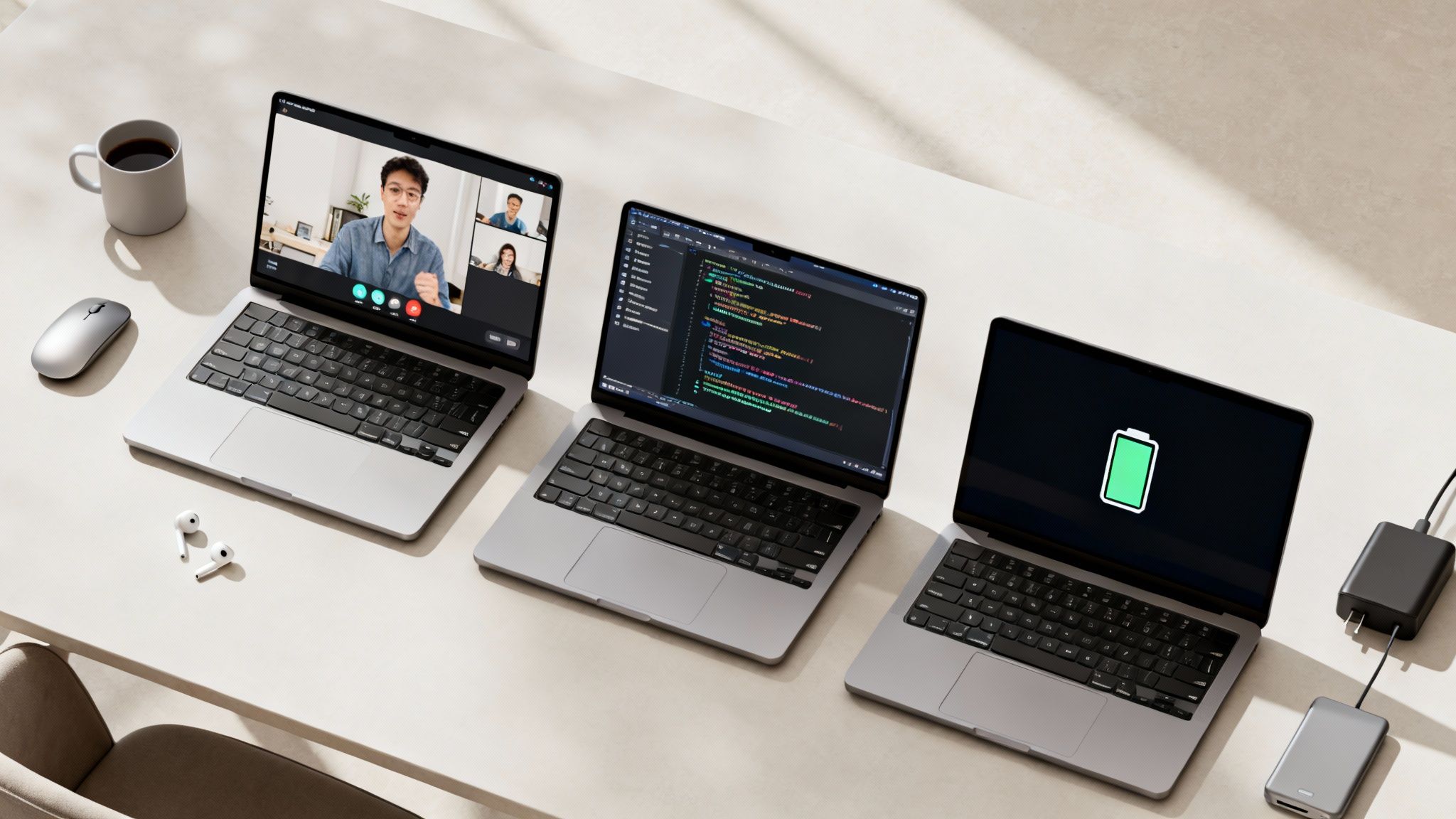
The shift to remote work has transformed the laptop from a simple tool into the central hub of our professional lives. It’s your office, your meeting room, and your gateway to collaboration. But with countless models on the market, how do you find the one that truly fits your needs? Choosing incorrectly can lead to frustrating lag during video calls, battery anxiety in the middle of an important task, or a screen that strains your eyes after a long day. This guide cuts through the noise.
We will explore the best laptops for working from home, tailored to different needs and budgets, ensuring you invest in a machine that boosts your productivity, not your stress levels. Whether you're a creative professional needing a powerhouse for video editing, a developer requiring robust processing power, or a sales manager who spends all day on Zoom, we have a recommendation for you.
This listicle moves beyond generic advice and focuses on the features that genuinely matter for a remote setup. We’ll analyze key specifications like webcam and microphone quality, port selection for connecting monitors and peripherals, and the crucial element of all-day battery performance. Making an informed choice is the first step, but maintaining that performance is just as important. Beyond choosing the right model, learning how to extend your laptop battery life is key to staying productive and mobile throughout your remote workday.
Our goal is to provide a clear, actionable roadmap to help you select the perfect laptop. We will break down our top picks with straightforward pros and cons, core specifications, and real-world use cases, so you can make a confident and informed purchase. Let's find the machine that will power your work-from-home success.
1. Overall Best: Apple MacBook Air (M3)
The Apple MacBook Air with the M3 chip represents the gold standard for most remote professionals, establishing itself as one of the best laptops for working from home by harmonizing power, portability, and premium features. It's engineered for the modern remote workflow, where a typical day involves juggling spreadsheets, participating in video calls, and managing multiple browser tabs without a hint of slowdown.
What truly sets the M3 MacBook Air apart is its fanless, silent operation. In a quiet home office, the absence of fan noise during intensive tasks like compiling code or rendering a short video is a significant, often overlooked, benefit. This silent performance, combined with its class-leading battery life of up to 18 hours, empowers you to work from anywhere in your home, or even outside, without being tethered to a power outlet.
Why It's the Top Choice for Remote Work
The M3 MacBook Air is more than just its core specs; it's a finely tuned tool for productivity. The brilliant Liquid Retina display makes everything from reading documents to editing photos a pleasure. For virtual meetings, the upgraded 1080p FaceTime HD camera and three-microphone array ensure you look and sound professional and clear, a non-negotiable for remote collaboration. The legendary keyboard and trackpad provide a comfortable and precise user experience for all-day use.
Expert Insight: The MacBook Air's silent, fanless design is a game-changer for focus-intensive work. The lack of distracting fan noise during demanding tasks helps maintain a state of flow, directly contributing to better productivity and a more peaceful work environment.
Key Specifications & Considerations
| Feature | Specification |
|---|---|
| Processor | Apple M3 chip (8-core CPU, up to 10-core GPU) |
| Display | 13.6-inch or 15.3-inch Liquid Retina display |
| Memory | 8GB, 16GB, or 24GB unified memory |
| Storage | 256GB, 512GB, 1TB, or 2TB SSD |
| Battery Life | Up to 18 hours of video playback |
| Ports | 2x Thunderbolt / USB 4, 3.5mm headphone jack, MagSafe 3 |
Pros:
- Exceptional Battery Life: Confidently work an entire day and then some on a single charge.
- Silent & Powerful: The M3 chip delivers robust performance without needing a fan.
- Premium Build & Display: Superior construction quality paired with a vibrant, color-accurate screen.
- Excellent Webcam & Mics: Look and sound your best on every video call.
Cons:
- Limited External Display Support: The base configuration only supports one external monitor (with the laptop lid closed).
- Minimal Ports: Requires a dongle or hub for connecting multiple peripherals.
- Higher Initial Cost: A premium price point compared to similarly specced Windows machines.
This laptop is an investment in a seamless and efficient remote work experience. It helps professionals maintain high productivity, which is a crucial component of achieving a healthy work-life balance. For more strategies on this, you can explore resources on how to manage a sustainable remote work lifestyle.
2. Best Buy
For remote professionals who prefer a blend of online convenience and physical store support, Best Buy stands out as a top-tier destination for finding the best laptops for working from home. It bridges the gap between digital research and hands-on purchasing, offering a vast online catalog that can be filtered by specs, price, and customer ratings, combined with the immediate gratification of same-day, in-store pickup. This hybrid model is ideal for those who need a new machine quickly or want the assurance of local support.
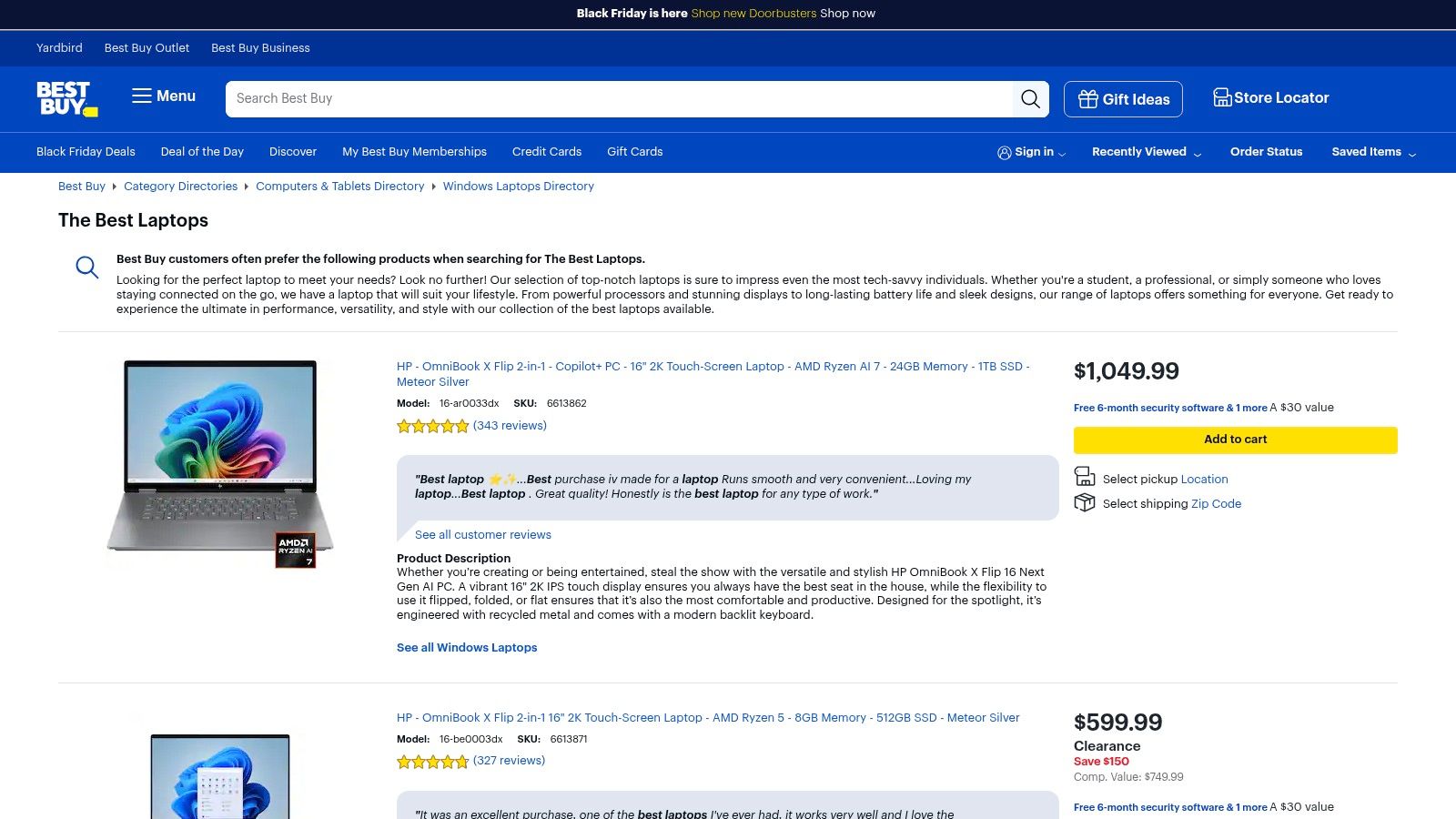
What makes Best Buy particularly powerful is its real-time local inventory checker. You can see exactly which laptops are available at your nearest store, avoiding the frustration of a sold-out item after you’ve already decided. This feature, along with easy in-store returns and exchanges, removes much of the risk associated with buying a high-value item online.
Why It's a Top Choice for Remote Work
Best Buy simplifies the often-overwhelming process of choosing a laptop. The website features curated categories like "Top-Rated Laptops" and "Best Laptops for College," which are easily adaptable for remote work needs. For those setting up their workspace, the ability to see, touch, and compare models in person can be invaluable. This hands-on experience, plus the option to discuss your needs with an in-store expert, provides a level of confidence that online-only retailers can't match.
Expert Insight: Best Buy's price match guarantee and frequent promotional events, like their "Black Friday in July," can lead to significant savings. Set up deal alerts for specific models you're considering to ensure you get the best possible price on your remote work investment.
Key Features & Considerations
| Feature | Description |
|---|---|
| Purchase Model | Online with home delivery or in-store pickup |
| Key Advantage | Same-day pickup and easy local returns/exchanges |
| Product Selection | Wide range of brands including Apple, Dell, HP, Lenovo, and Microsoft |
| Pricing | Competitive, with price matching and regular sales events |
| Support Options | In-store Geek Squad support, protection plans, and online chat |
| User Experience | Detailed customer reviews and real-time local inventory |
Pros:
- Immediate Availability: Check local inventory and pick up your new laptop the same day.
- Convenient Returns: Hassle-free in-store returns and exchanges offer peace of mind.
- Curated Selections: Helpful "Best Of" lists make it easier to narrow down choices.
- Financing & Protection: Offers flexible payment options and extended warranty plans.
Cons:
- Inventory Varies by Location: The best deals and specific models may not be available at every store.
- Limited Niche Brands: Focuses on major manufacturers; you're less likely to find boutique or specialty brands.
- Upselling Pressure: In-store and online, there can be a strong push for addons like protection plans and accessories.
Best Buy is an excellent choice for buyers who value convenience, speed, and the safety net of a physical retail presence. It simplifies not just the purchase, but the entire process of setting up a home office for remote work by consolidating technology needs in one accessible place.
3. Best for Customization & Business Features: Dell
Dell's official website secures its spot as a top destination for finding the best laptops for working from home by offering an unparalleled level of customization and a wide range of business-focused machines. It serves as a direct-from-manufacturer marketplace where remote professionals can configure a laptop to their precise needs, whether that means prioritizing a budget-friendly Inspiron, a premium XPS, or a security-hardened Latitude.
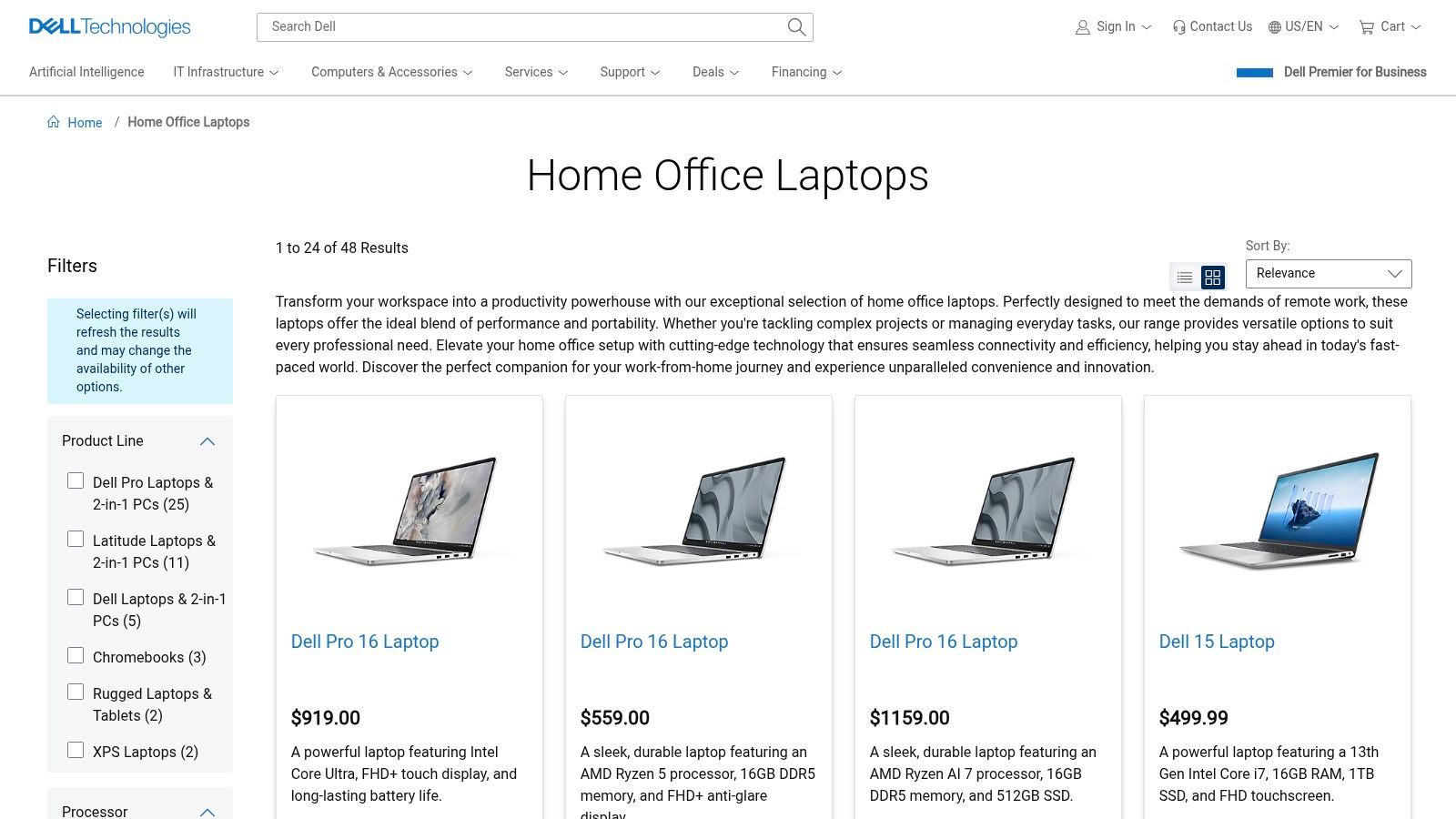
Unlike standard retail outlets, Dell.com allows you to tailor key components like RAM, storage, and even display panels before you buy. This configure-to-order model is a significant advantage for remote workers who need specific performance targets without paying for features they don’t need. The ability to purchase directly also simplifies warranty claims and provides access to dedicated manufacturer support, a crucial benefit for business continuity.
Why It's a Top Choice for Remote Work
Dell excels by providing distinct product lines engineered for professional use. The Latitude series, for example, often includes superior 1080p or higher resolution webcams, enhanced security features like fingerprint readers and privacy shutters, and robust build quality designed for durability. These business-grade features are essential for remote workers who rely on their device for client-facing calls and handling sensitive company data.
Expert Insight: Dell's business-oriented Latitude and Precision laptops are built with remote security in mind. Features like hardware-based security and optional privacy screens are not just conveniences; they are vital components of a secure home office setup, helping you protect company and client data effectively.
Key Specifications & Considerations
| Feature | Specification |
|---|---|
| Product Lines | Inspiron (Home), XPS (Premium), Latitude (Business), Vostro (Small Business) |
| Customization | Configure-to-order options for CPU, RAM, SSD, Display, and OS |
| Support | Direct OEM warranty, ProSupport options for business users |
| Security Features | Fingerprint readers, IR cameras, physical webcam shutters (model dependent) |
| Business-Grade | Latitude and Precision lines offer enhanced durability and security |
| Pricing | Frequent sales, coupons, and financing offers available directly on site |
Pros:
- High Degree of Customization: Build a machine that perfectly matches your workflow and budget.
- Strong Business-Focused Options: The Latitude series is purpose-built for professional remote work.
- Direct Manufacturer Warranty & Support: Streamlined access to help when you need it most.
- Wide Range of Models: Laptops available at every price point, from entry-level to high-end workstations.
Cons:
- Variable Shipping Times: Custom configurations can sometimes lead to longer delivery waits.
- Rotating Promotions: The best deals are often time-limited, requiring you to monitor the site for optimal pricing.
- Overwhelming Choices: The sheer number of models and configurations can be daunting for new buyers.
Shopping directly from Dell is an investment in a purpose-built remote work tool with robust support. This focus on security is paramount, and you can learn more by exploring advanced strategies for cybersecurity for remote workers.
Shop Home Office Laptops on Dell.com
4. Best Direct Purchase Experience: Apple.com
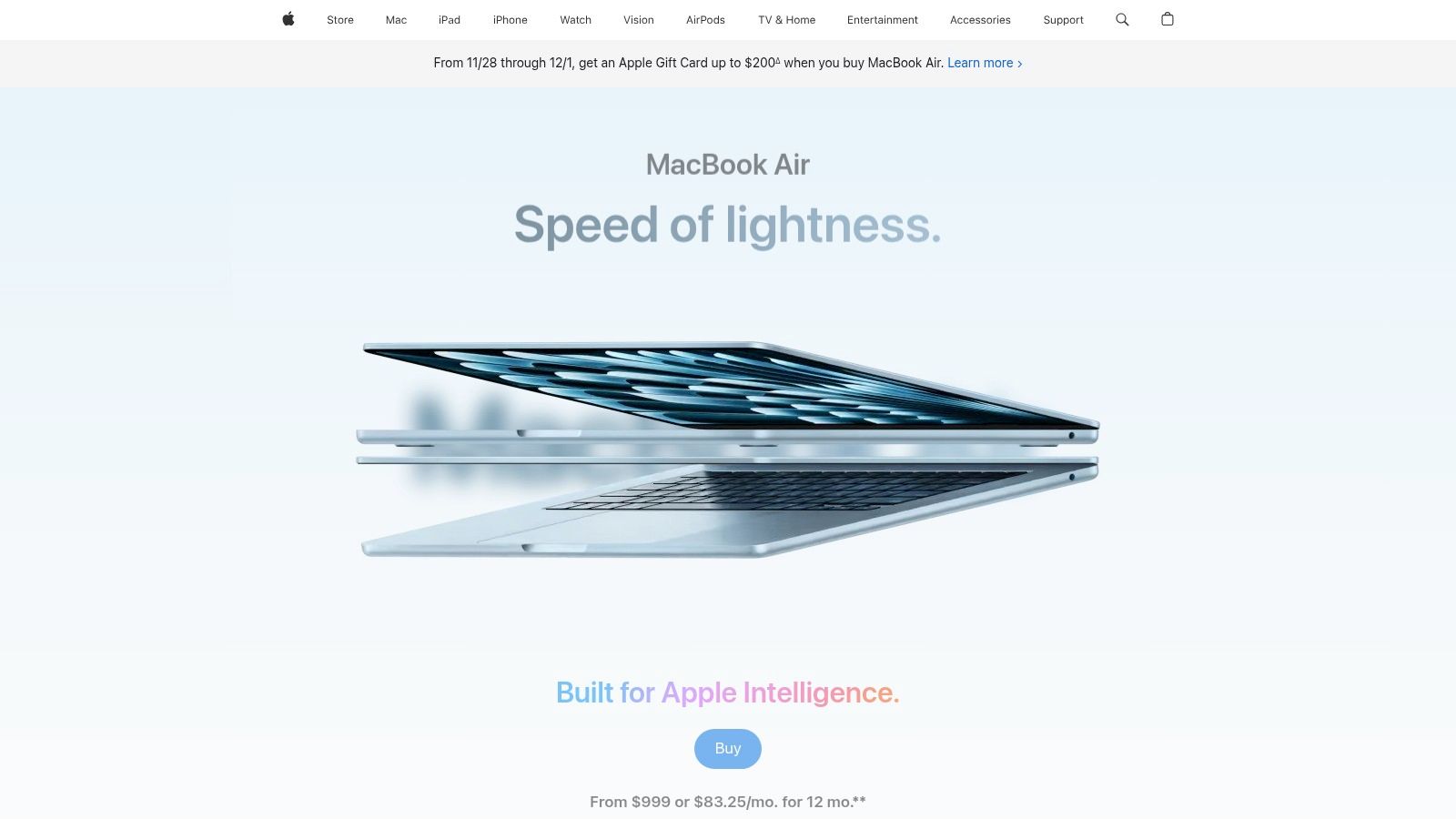
For those prioritizing a seamless purchase experience, excellent support, and access to the full range of customization options, buying directly from Apple.com is the definitive choice. This platform is more than just a storefront; it's the central hub for discovering which MacBook model is one of the best laptops for working from home for your specific needs, offering detailed comparisons, transparent pricing, and exclusive programs you won't find at other retailers.
The website provides an exceptionally clean and intuitive user interface, allowing you to easily configure your MacBook Air or MacBook Pro. You can select your preferred processor, memory, storage, and even color, with real-time updates on pricing and delivery estimates. This level of customization ensures you get the exact machine for your remote workflow without paying for features you don't need.
Why It's the Top Choice for Buying a Mac
Purchasing directly from Apple offers unique benefits tailored to remote professionals. The Apple Trade In program allows you to get credit for your old device, reducing the overall cost of your new laptop. Furthermore, Apple offers special education pricing for students and educators, which can lead to significant savings. The site also provides flexible delivery options, including free shipping or in-store pickup, often on the same day. The integrated ecosystem of hardware and software, known for its "it just works" reliability, is a massive advantage for remote workers who can't afford downtime.
Expert Insight: Buying directly from Apple.com gives you immediate access to their world-class customer support and Genius Bar appointments. For remote workers who rely on their laptops as their primary income tool, this direct line to expert help is an invaluable insurance policy against technical issues.
Key Features & Considerations
| Feature | Description |
|---|---|
| Customization | Configure-to-order options for processor, memory, and storage. |
| Trade-In Program | Get credit towards a new Mac by trading in an eligible device. |
| Education Pricing | Special discounts available for current and newly accepted college students. |
| Support | Direct access to Apple Support, online chat, and Genius Bar reservations. |
| User Experience | Clean, intuitive website with detailed product information and comparisons. |
| Delivery Options | Free standard shipping or convenient in-store pickup. |
Pros:
- Full Customization: Build the exact MacBook configuration you need for your work.
- Exclusive Programs: Access to trade-in credits and education discounts.
- Reliable Support: The best place to get help, service, and repairs directly from the source.
- Seamless Experience: A clear, user-friendly purchasing process from start to finish.
Cons:
- Fewer Discounts: Sales and promotions are less frequent compared to third-party retailers.
- Premium Pricing: You are paying the full manufacturer's suggested retail price.
- Limited Bundles: Third-party retailers may offer more attractive bundles with software or accessories.
This direct-from-the-source approach is ideal for professionals who value reliability, robust support, and the ability to perfectly tailor their machine. Ensuring your primary work tool is precisely what you need is a foundational step in building a productive and stress-free remote career.
5. Lenovo
Lenovo's official online store is a premier destination for professionals seeking some of the best laptops for working from home, especially those who value enterprise-grade features, durability, and excellent value. The site is a direct gateway to their acclaimed business lineups, including the legendary ThinkPad series, which is renowned for its robust construction and best-in-class keyboards that make all-day typing a comfortable experience.
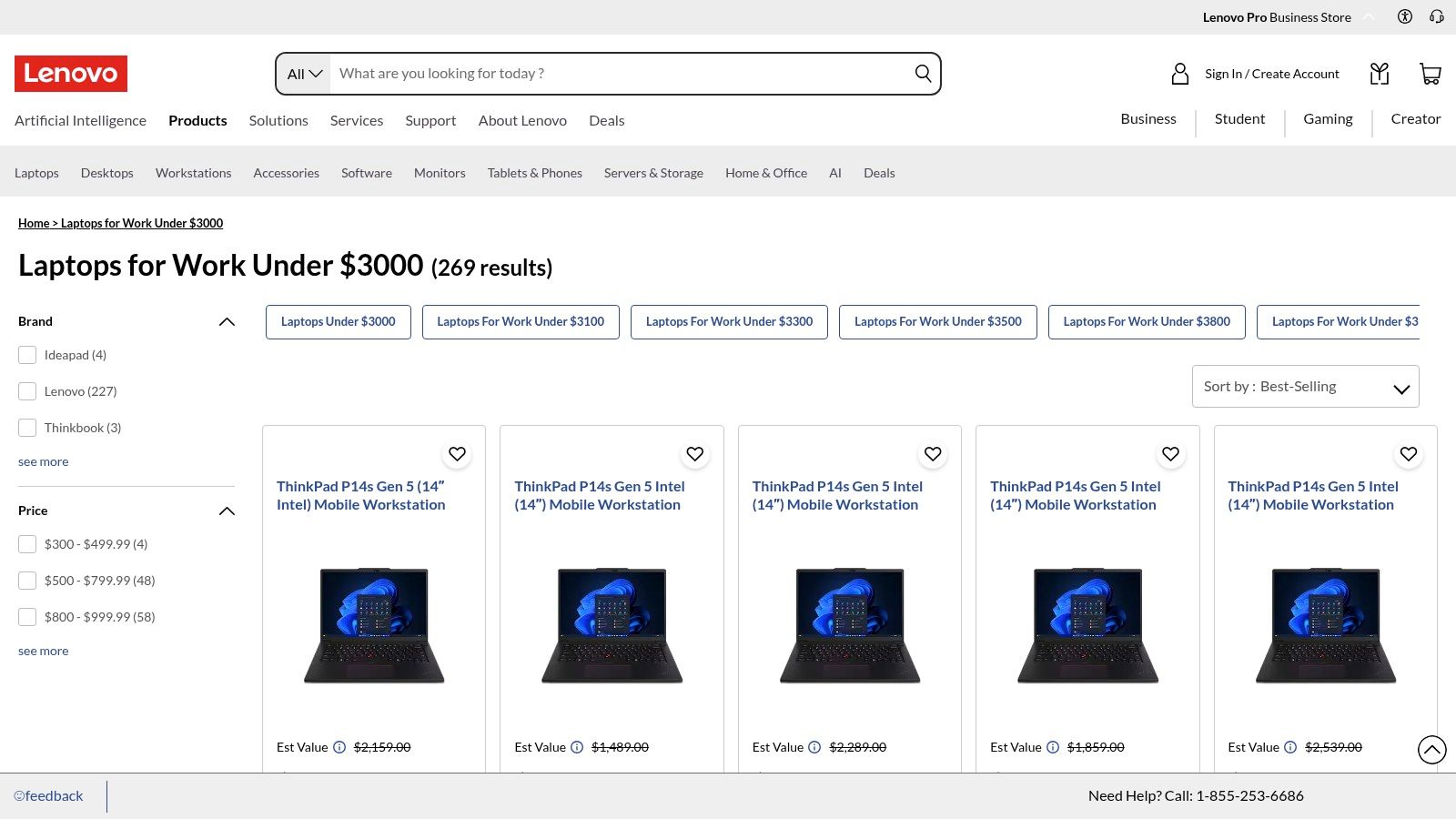
What sets Lenovo's platform apart is the sheer breadth of customization available and the frequency of significant sales events. Shoppers can configure laptops to their exact needs, choosing from various Intel, AMD, or even Qualcomm processors, and upgrading memory and storage. This flexibility, combined with frequent discounts and coupons, means you can often secure a high-performance business machine for a price that rivals consumer-grade alternatives.
Why It's a Top Choice for Remote Work
Lenovo's website is the ideal place to find a workhorse laptop built with the remote professional in mind. Features that are critical for a secure and efficient home office, like physical webcam privacy shutters (ThinkShutter), fingerprint readers, and MIL-STD 810H durability testing, are standard on many models. This focus on practical, real-world business needs ensures you get a device that is not just powerful but also secure and built to last. The iconic TrackPoint nub on ThinkPads provides an alternative to the trackpad, a feature beloved by many long-time users for its precision.
Expert Insight: The best way to use the Lenovo site is to be patient and strategic. Add a configured model to your cart and monitor it for a few days. Lenovo's dynamic pricing and frequent sales mean the price can drop significantly, allowing you to get a business-class machine with premium features for an exceptional value.
Key Features & Considerations
| Feature | Specification |
|---|---|
| Product Lines | ThinkPad, ThinkBook, Yoga for Business, IdeaPad |
| Customization | Configurable CPU, RAM, SSD, Display, and OS |
| Processor Options | Intel Core, AMD Ryzen, Qualcomm Snapdragon |
| Key Features | ThinkShutter privacy camera, renowned keyboards, MIL-STD durability |
| Discounts | Frequent site-wide sales, corporate perks programs, student discounts |
| Support | On-site support and premium care options available |
Pros:
- Excellent Value: Frequent sales and coupons provide a great features-to-price ratio.
- Renowned Keyboards: ThinkPad keyboards are widely considered the industry standard for comfort and typing accuracy.
- Durable & Secure: Built-to-last construction and strong focus on enterprise-grade security features.
- High Customization: Configure a machine to your specific performance and budget needs.
Cons:
- Complex Model Lineup: The sheer number of similar models can be confusing for new buyers.
- Variable Ship Times: Custom-built configurations can sometimes have longer-than-expected delivery windows.
- Inconsistent Base Specs: Entry-level configurations may have lower-quality screens or less memory, requiring careful upgrades.
For remote workers who prioritize reliability, typing comfort, and security over sleek aesthetics, Lenovo's direct-to-consumer platform offers a tailored and cost-effective purchasing experience. It is an investment in a durable tool designed for the rigors of a full-time professional workload.
6. B&H Photo Video
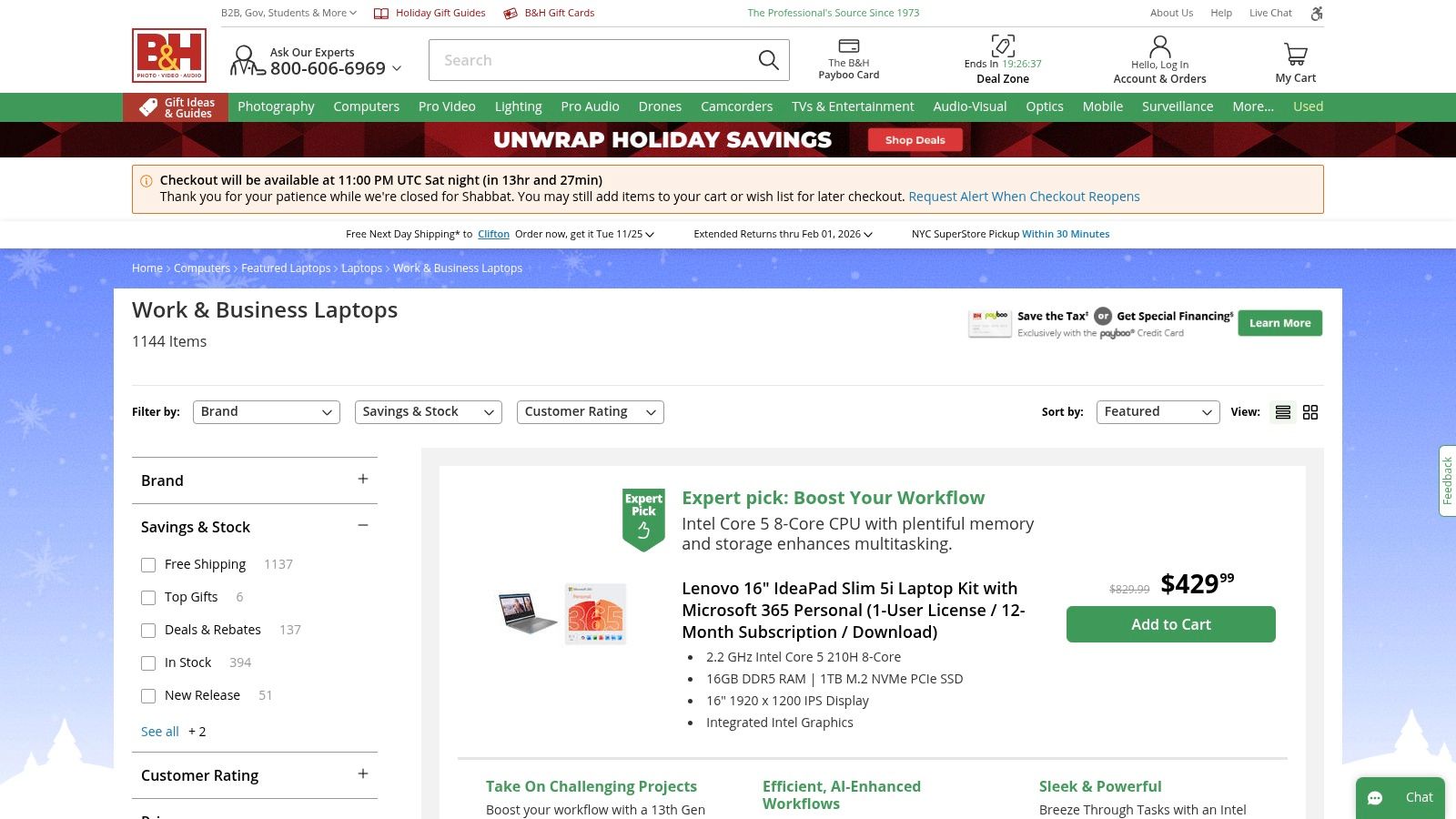
B&H Photo Video has cultivated a reputation far beyond camera gear, establishing itself as a premier destination for professionals seeking the best laptops for working from home. It offers a curated, expert-driven shopping experience that cuts through the noise of massive online marketplaces, focusing on quality, detailed specifications, and customer support geared toward professional and creative users. This makes it an ideal choice for remote workers who know what they need and want a streamlined, reliable purchasing process.
What sets B&H apart is its professional focus. The product pages are packed with exhaustive technical details, high-resolution images, and expert reviews, empowering buyers to make highly informed decisions. This is particularly valuable for remote professionals in specialized fields like graphic design, video editing, or software development, where precise specifications are non-negotiable. Combined with fast, often free, 2-day shipping, B&H ensures you get the right tool for your home office quickly.
Why It's a Top Choice for Remote Work
B&H excels by treating laptops as professional tools, not just consumer electronics. Their dedicated "Work Laptops" category filters the vast catalog to models built for productivity, durability, and performance. For remote workers setting up a business or a serious home office, B&H offers business-friendly services, including leasing options and the Payboo Card, which can cover sales tax on purchases in eligible states, providing a significant saving on high-ticket items. Their knowledgeable customer service team can also provide specialized advice that you won't find at a general big-box retailer.
Expert Insight: B&H's detailed specification filters are a powerful tool. You can drill down by specific processor type, screen technology, or even port selection to find a laptop that perfectly matches your remote workflow, saving hours of comparison shopping.
Key Features & Considerations
| Feature | Description |
|---|---|
| Product Curation | "Work Laptops" and "Business Laptops" categories |
| Product Pages | Highly detailed technical specifications and professional reviews |
| Shipping | Often provides free expedited (2-day) shipping |
| Payment Options | B&H Payboo Card (sales tax credit), financing, and leasing |
| Support | Knowledgeable, expert customer service via chat, email, or phone |
| Condition Options | Sells new, open-box, and used equipment with clear grading |
Pros:
- Expert-Level Detail: In-depth product pages help you choose the right specs.
- Professional Focus: Curated selection for business and creative users.
- Fast & Reliable Shipping: Get your new work laptop delivered quickly.
- Tax Savings Potential: The Payboo card is a unique perk for high-value purchases.
Cons:
- Limited Physical Presence: Primarily an online retailer outside of its NYC SuperStore.
- Inventory Fluctuation: Deep discounts on popular models can sell out quickly.
- Less Consumer-Focused: The experience is geared more toward prosumers than casual buyers.
This retailer is an excellent choice for professionals who value expertise, speed, and a purchase process that respects their time and technical needs. For remote workers investing in high-performance equipment, the combination of detailed information and efficient service makes B&H a standout option.
7. Micro Center
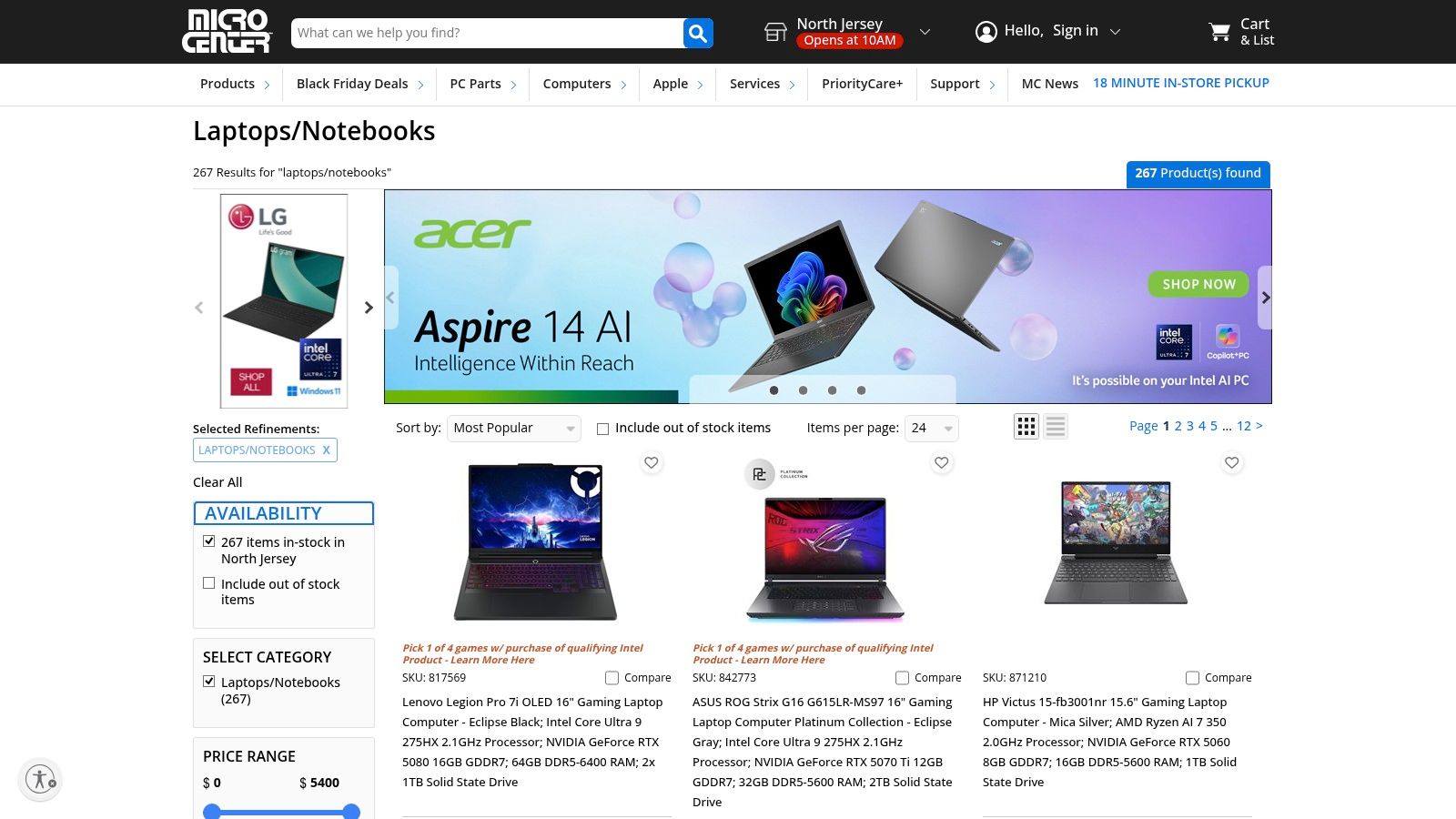
For remote professionals who prefer a hands-on buying experience or need a new machine immediately, Micro Center stands out as a top-tier physical and online retailer. It bridges the gap between online research and in-person purchase, making it an invaluable resource when you're searching for one of the best laptops for working from home and can't afford shipping delays. Its unique model focuses on robust in-store inventory, knowledgeable staff, and competitive pricing, especially on open-box and in-store-only deals.
What makes Micro Center a compelling destination is its real-time, store-specific inventory system. You can browse online to see exactly how many units of a specific Dell XPS or Lenovo ThinkPad are in stock at your local store, reserve it for pickup, and have it running on your desk the very same day. This immediacy is a massive advantage when your current laptop fails unexpectedly and you need a replacement to stay productive.
Why It's a Top Choice for Remote Work
Micro Center offers a curated yet wide selection of brands, allowing you to compare models from Apple, HP, ASUS, and more, side-by-side. This is perfect for remote workers who want to test keyboard comfort, screen quality, and build materials before committing. Furthermore, their in-store tech support and warranty services provide a level of post-purchase peace of mind that online-only retailers cannot match. Finding a great deal on an open-box model can also free up your budget for essential remote work accessories like a high-quality monitor or ergonomic chair.
Expert Insight: The ability to physically inspect a laptop before buying is crucial for remote work. An uncomfortable keyboard or a screen with poor viewing angles can hinder productivity over long workdays. Micro Center's model empowers buyers to make a more informed, tangible decision.
Key Features & Considerations
| Feature | Description |
|---|---|
| Model | Specialty electronics retailer (online and physical stores) |
| Selection | Wide range of brands including Apple, Dell, HP, Lenovo, ASUS |
| Key Offerings | Same-day in-store pickup, real-time local inventory |
| Special Deals | In-store only specials, open-box units, clearance items |
| Services | In-store tech support, repair services, extended warranties |
| Availability | Physical stores in select U.S. states; online shipping available |
Pros:
- Immediate Availability: Pick up your new laptop the same day you buy it.
- Tangible Experience: See, touch, and test laptops before purchasing.
- Excellent Value: Strong deals on open-box, refurbished, and in-store-only items.
- Knowledgeable Support: Access to in-person tech support and expert advice.
Cons:
- Limited Store Locations: Physical stores are not available in every state.
- In-Store Deal Exclusivity: The best bargains are often not available for shipping.
- Variable Stock: Inventory can fluctuate significantly between locations.
For those who value immediacy, hands-on evaluation, and local support, Micro Center provides a shopping experience perfectly tailored to the practical needs of remote professionals. It ensures you get the right tool for the job without the wait.
Browse Laptops on MicroCenter.com
Top 7 Retailers & Brands: WFH Laptop Comparison
| Vendor | 🔄 Complexity | ⚡ Resource requirements | 📊 Expected outcomes | 💡 Ideal use cases | ⭐ Key advantages |
|---|---|---|---|---|---|
| Amazon | Low purchase flow; marketplace variability in seller experience | Large online inventory; Prime recommended for fastest delivery | Wide selection, competitive pricing, fast shipping; variable seller reliability | Deal hunters and buyers needing broad choice and fast delivery | Massive selection, frequent deals, extensive reviews |
| Best Buy | Moderate — online shopping with store pickup/returns options | Local store access useful for same‑day pickup and exchanges | Quick pickup/returns and clearer curated choices; regional availability varies | Buyers wanting local support, same‑day pickup or easy returns | Real‑time inventory, curated lists, in‑store service |
| Dell | Higher — configure‑to‑order complexity for custom builds | OEM configuration options; possible longer ship times for custom units | Tailored systems with business features and direct warranty/support | Users needing manufacturer customization and business‑grade features | Direct support, business lines, configurable hardware |
| Apple | Low purchase complexity; limited post‑purchase upgradability | Higher upfront cost; trade‑in and education pricing available | Reliable performance, long battery life, excellent AV for calls | Professionals valuing battery life, display, and video quality | Tight hardware‑software integration, premium build quality |
| Lenovo | Moderate — many models and configurations to compare | Configurable options and frequent discounts during sales | Strong durability and business features at good value when on sale | Remote workers who prioritize keyboards, durability and enterprise features | ThinkPad keyboards, enterprise features, strong value during sales |
| B&H Photo Video | Low — curated work laptop category with clear specs | Fast shipping and business‑friendly financing; limited brick‑and‑mortar reach | Quick delivery, spec‑rich pages and professional buyer support | Buyers seeking clear specs and professional purchase support | Clear product specs, fast shipping, knowledgeable support |
| Micro Center | Moderate — mix of online and in‑store availability, per‑store variance | Requires store visit for same‑day pickup/testing; limited locations | Immediate pickup/testing, strong open‑box value; stock varies by store | Buyers wanting to test, pick up same day or use local tech support | In‑store stock visibility, open‑box deals, local tech service |
Making the Right Choice for Your Remote Career
Navigating the landscape of remote work technology can feel overwhelming, but finding the best laptops for working from home is a manageable and crucial step toward professional success. We've explored a range of top-tier devices, from the high-performance MacBook Pro, ideal for creative professionals, to the versatile Lenovo Yoga series, perfect for those who need adaptability. We also covered the Dell XPS lineup, a powerhouse for developers and data analysts, and budget-friendly options that deliver reliable performance without breaking the bank.
The core lesson is that the "best" laptop is not a one-size-fits-all solution. It's the one that aligns perfectly with your unique professional demands, daily workflow, and long-term career aspirations. Your choice is a strategic investment in your productivity, comfort, and efficiency in a remote setting.
From Shortlist to Purchase: Your Action Plan
To move from consideration to confident decision, revisit the "How to Choose Your Work-from-Home Laptop" checklist presented earlier in this article. This framework is your most valuable tool. Before you commit, run through these final checkpoints:
- Re-evaluate Your Primary Tasks: Are you spending 80% of your day in video calls, compiling code, or editing large files? Let your most frequent and intensive tasks dictate the necessary processing power (CPU), memory (RAM), and graphics capabilities. A video editor's needs are vastly different from those of a writer or a project manager.
- Finalize Your Portability Needs: Consider your ideal work environment. If you plan to work from cafes, co-working spaces, or travel frequently, a lightweight model with over 10 hours of real-world battery life is non-negotiable. If you'll be mostly stationary at a home desk, you can prioritize a larger screen and more robust performance over a featherlight design.
- Set a Realistic Budget: Your budget should be a guiding filter, not a rigid constraint that forces you into a subpar machine. Remember to account for essential accessories like an ergonomic mouse, a high-resolution external monitor, or a quality docking station. These tools complete your setup and significantly enhance your daily comfort and productivity.
As you finalize your perfect laptop match for working from home, you might be considering what to do with your existing device. To help fund your new purchase and ensure your old tech is responsibly handled, you can discover options for where to sell your current laptop for the best value. This allows you to offset the cost of your upgrade while giving your old machine a new life.
The Bigger Picture: Your Laptop as a Career Catalyst
Ultimately, the right laptop does more than just run software. It removes friction from your workday, empowers you to collaborate seamlessly with colleagues across time zones, and provides a reliable platform for you to produce your best work. It is the central hub of your professional life, connecting you to opportunities and enabling you to build a fulfilling remote career on your own terms.
By investing in a device tailored to your specific needs, you are not just buying a piece of hardware. You are investing in your focus, your efficiency, and your professional growth. Choose wisely, and your new laptop will become a trusted partner in achieving your remote work goals.
Now that you have the perfect tool for the job, it’s time to find the perfect remote role to match. RemoteWeek curates the best remote job opportunities from forward-thinking companies that value work-life balance and employee well-being. Find your next great career move and put your new laptop to work by exploring openings on RemoteWeek today.